What Is Webflow? Features, Pricing & Why Use It (2026)
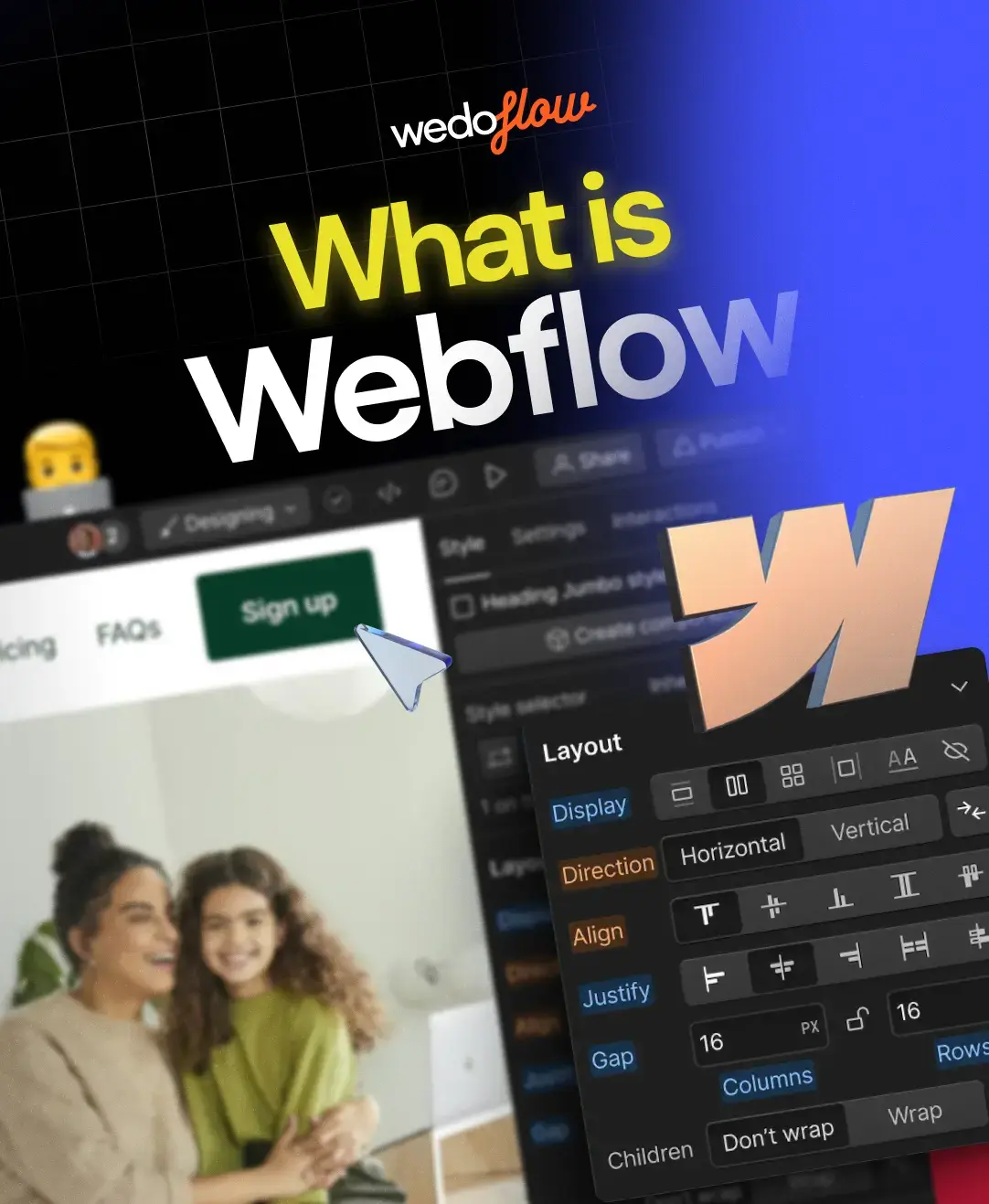
Webflow is a no-code visual website builder that lets designers and developers create professional, fully responsive websites without writing a single line of code. It combines a drag-and-drop design tool, a powerful content management system (CMS), built-in hosting, and e-commerce — all inside one platform.
Since its launch in 2013, Webflow has grown to power over 300,000 websites worldwide, capturing roughly 1.2% of the top 10 million sites on the internet.
Companies like Zendesk, Dell, Upwork, and Dropbox use it. Whether you are a freelance designer, startup founder, or marketing team, Webflow eliminates the gap between design and development — giving you pixel-perfect control over every element on the page.
This guide covers everything you need to know: how Webflow works, its core features, current pricing, honest pros and cons, and how it compares to WordPress, Wix, and Squarespace.
What does Webflow work?
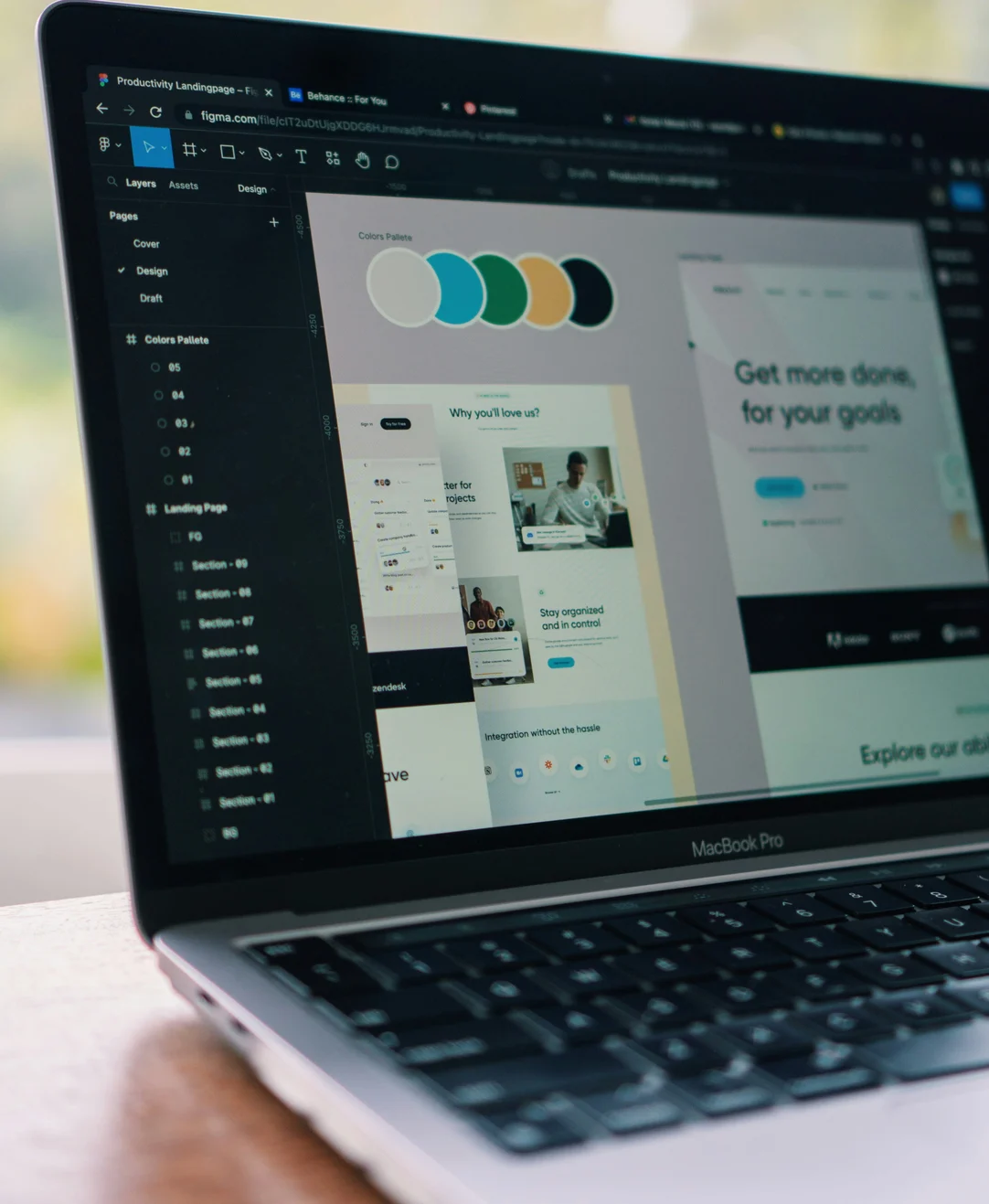
Webflow operates on a simple but powerful concept: you design visually, and the platform auto-generates clean HTML, CSS, and JavaScript behind the scenes. Think of it as a bridge between design tools like Figma and traditional hand-coded websites.
The workflow breaks down into three layers. First, the Webflow Designer is the core visual editor where you build layouts using flexbox, CSS grid, and responsive breakpoints — without touching code. Every design choice you make maps directly to real CSS properties.
Second, the Webflow Editor gives clients and content teams a simplified interface to update text, images, and CMS content without accessing the full designer. Third, Webflow Hosting runs on Amazon Web Services (AWS) with Fastly CDN, providing SSL certificates, HTTP/2, and automatic DDoS protection out of the box.
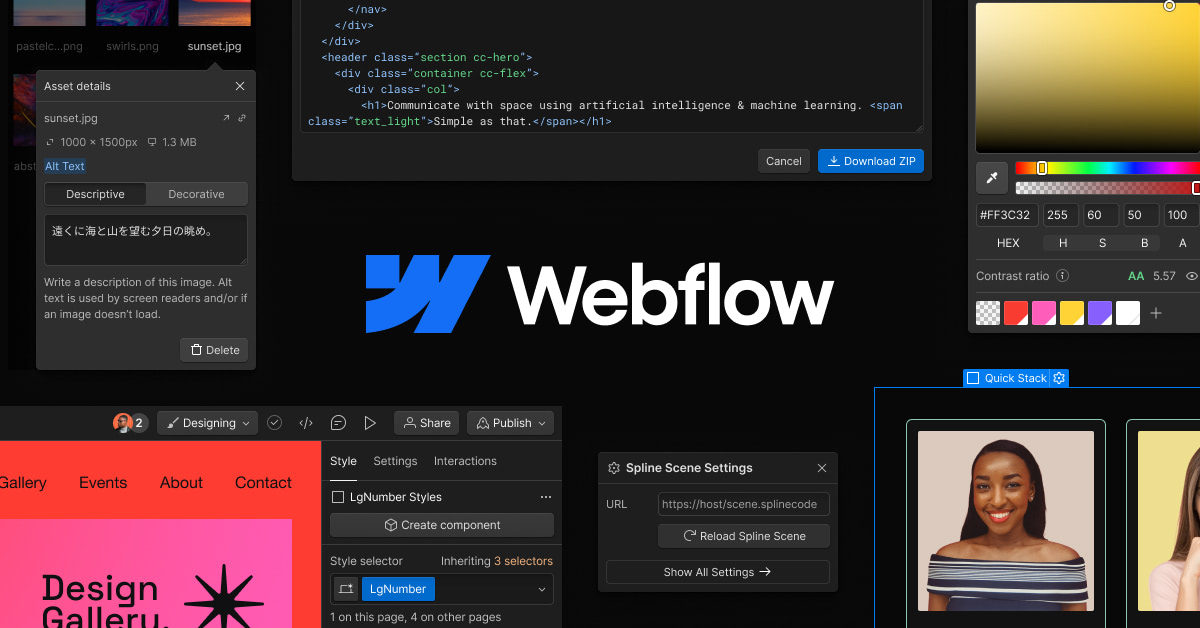
For beginners, Webflow University offers hundreds of free video lessons. The learning curve is steeper than Wix or Squarespace, but the payoff is far greater design control and a production-ready website that doesn't rely on bloated plugins or third-party page builders.
7 key features that set Webflow apart
Visual Designer with real CSS control
Unlike most drag-and-drop builders that abstract away CSS, Webflow exposes the actual CSS properties in a visual interface. You control margins, padding, flexbox alignment, grid layouts, typography, and animations — all with pixel-level precision. The Designer generates clean, semantic code that performs well in search engines and loads fast.
Built-in CMS for dynamic content
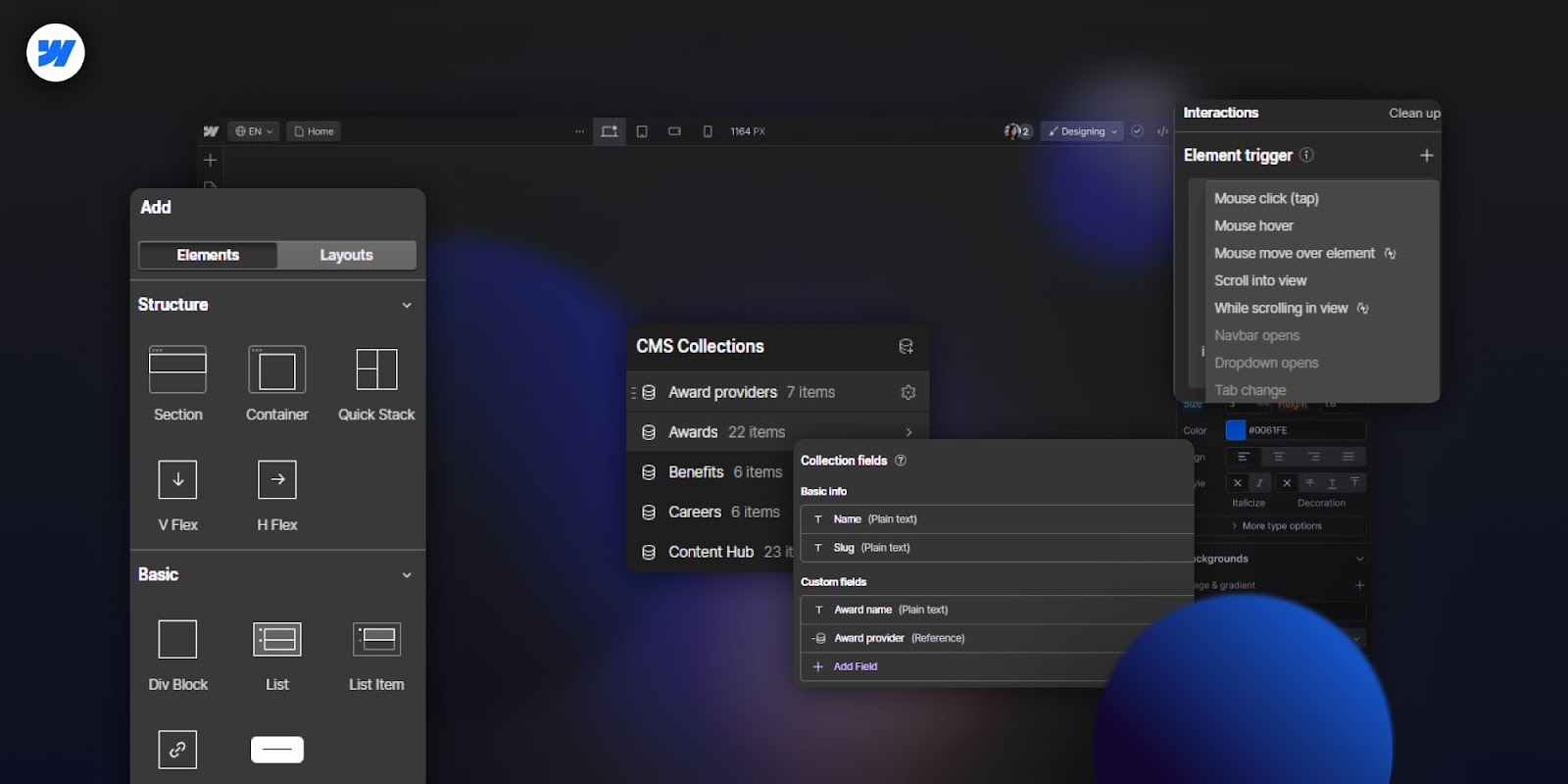
Webflow's CMS uses a collection-based system. You create structured content types (blog posts, team members, case studies) and design dynamic templates that pull data automatically. It supports rich text, images, reference fields, multi-image galleries, and conditional visibility — making it ideal for content-heavy websites, blogs, and resource libraries.
E-commerce without plugins
Webflow E-commerce is built directly into the platform. You can sell physical products, digital downloads, and memberships with full design control over product pages, carts, and checkout flows. Payment processing runs through Stripe and PayPal. The limitation: it currently supports Stripe in about 46 countries, and it lacks the depth of dedicated platforms like Shopify for large-scale stores.
Interactions and animations
One of Webflow's standout strengths is its visual animation builder. You can create scroll-triggered animations, hover effects, page-load sequences, and complex multi-step interactions — all without JavaScript. After acquiring GreenSock (GSAP) in late 2024, Webflow's animation capabilities have expanded significantly.
Responsive design across all breakpoints
Every Webflow project is responsive by default. The Designer provides breakpoints for desktop, tablet, mobile landscape, and mobile portrait. You style each breakpoint independently, and changes cascade down from larger screens to smaller ones. This ensures your site looks sharp on every device.
SEO tools built into the platform
Webflow gives you direct control over meta titles, descriptions, Open Graph tags, canonical URLs, auto-generated XML sitemaps, custom 301 redirects, and robots.txt files. The clean code output means fast load times and strong Core Web Vitals scores. For teams serious about organic growth, Webflow also supports schema markup, alt text on every image, and a clean URL structure — no SEO plugin required.
Integrations and extensibility
The Webflow Apps marketplace connects the platform to tools like HubSpot, Mailchimp, Google Analytics, Airtable, and Zapier. For teams looking to accelerate their design workflow, pre-built UI components can significantly reduce build time by providing production-ready sections and layouts that drop straight into any Webflow project. Custom code embeds allow you to add anything the visual builder cannot handle natively.
Webflow pricing plans explained
Webflow uses a dual pricing model: Site Plans (per-project) and Workspace Plans (per-team). Here is the current breakdown.
Site Plans (per project, billed annually):
| Plan | Monthly Price | CMS Items | Bandwidth | Best For |
|---|---|---|---|---|
| Free | $0 | — | 1 GB | Learning & prototyping |
| Basic | $14/mo | — | 10 GB | Simple websites |
| CMS | $23/mo | 2,000 | 50 GB | Blogs & content sites |
| Business | $39/mo | 10,000 | 100 GB | High-traffic sites |
| Enterprise | Custom | Custom | Custom | Large organizations |
E-commerce Plans (per project, billed annually):
| Plan | Monthly Price | Transaction Fee | Products |
|---|---|---|---|
| Standard | $29/mo | 2% | 500 |
| Plus | $74/mo | 0% | 1,000 |
| Advanced | $212/mo | 0% | 3,000 |
Is Webflow free?
Yes — the Starter plan lets you build and publish to a webflow.io subdomain at no cost. However, connecting a custom domain, removing branding, and unlocking CMS features require a paid plan. Students can access a free plan through Webflow's classroom program.
Workspace Plans start at $19/month for freelancers and scale to $49/month for teams that need collaboration features, client billing, and code exports.
Honest pros and cons of Webflow
No platform is perfect. Here is a balanced assessment based on hands-on experience building hundreds of Webflow projects.
What Webflow does well
Webflow's biggest advantage is design freedom without code dependency. You get the visual precision of Figma with the production-ready output of a developer. The built-in CMS eliminates the need for WordPress-style plugin stacking. Hosting is fast, secure, and managed — no server maintenance, no update conflicts, no security patches to worry about.
SEO performance is strong out of the box thanks to clean code output and built-in optimization tools. And the visual interactions engine lets designers create complex animations that would typically require a JavaScript developer.
Where Webflow falls short
The learning curve is real. Webflow requires understanding CSS concepts like flexbox and positioning — it is not a simple "pick a template and type" builder, for this was built Modulify. Pricing can add up quickly when you factor in per-site plans, workspace fees, and e-commerce add-ons — a multi-site agency may find costs higher than WordPress hosting.
Update: Modulify has since become a fully independent AI platform that builds, hosts and ships websites, web apps and dashboards end to end. Read Introducing Modulify 2.0 →
The e-commerce functionality, while improving, still lacks advanced features like multi-currency support, sophisticated inventory management, and the app ecosystem that Shopify offers. There is no native mobile editing app, so all design work happens on desktop. Finally, Webflow creates some degree of platform lock-in — migrating away means exporting HTML/CSS and rebuilding your CMS logic elsewhere.
Who should use Webflow — and who should not
Webflow is the strongest choice for designers, agencies, startups, and marketing teams that want full visual control over their websites without hiring a developer for every change. It excels at marketing sites, portfolios, SaaS landing pages, blogs, and small-to-medium e-commerce stores.
Freelancers and agencies benefit enormously from the Editor feature, which lets clients update content independently. Development teams appreciate that Webflow outputs clean code they can extend with custom scripts when needed.
Webflow is not the best fit for large-scale e-commerce operations with thousands of products (Shopify handles this better), complex web applications requiring backend logic (a custom-coded solution would serve better), or complete beginners who just want a basic site live in 30 minutes (Wix or Squarespace is simpler for that use case).
Webflow vs WordPress, Wix, and Squarespace
| Feature | Webflow | WordPress | Wix | Squarespace |
|---|---|---|---|---|
| Design control | Pixel-perfect, CSS-level | Theme-dependent | Template-based, moderate | Template-based, good |
| No-code | Yes (visual CSS) | No (needs plugins) | Yes (drag-and-drop) | Yes (block editor) |
| CMS | Built-in collections | Plugin-based (ACF, Pods) | Built-in, basic | Built-in, basic |
| Hosting | Included (AWS/Fastly) | Self-hosted or third-party | Included | Included |
| SEO | Excellent, built-in | Excellent with plugins | Good | Good |
| E-commerce | Moderate (500–3K products) | Extensive (WooCommerce) | Good | Good |
| Learning curve | Moderate–Steep | Steep (with plugins) | Easy | Easy |
| Starting price | Free / $14/mo | Free / ~$3/mo (hosting) | Free / $17/mo | $16/mo |
WordPress remains the most flexible option for large, complex sites and offers the biggest plugin ecosystem. But it demands ongoing maintenance, security updates, and often requires a developer for custom work.
Wix is a platform for beginners who want a site live quickly. Its AI-powered builder generates a starting point in minutes. The tradeoff is limited design control and less clean code output.
Squarespace sits between Wix and Webflow — offering beautiful templates and a polished editor, but less granular design control. It is ideal for small businesses and creatives who want something polished without a steep learning curve.
Webflow wins when design precision, clean code, and CMS flexibility matter more than simplicity. It is the closest thing to hand-coded quality without actually writing code.
Frequently Asked Questions About Webflow
1. Does Webflow require coding knowledge?
No. Webflow is a no-code platform — you design visually and the platform generates HTML, CSS, and JavaScript automatically. However, understanding basic CSS concepts like flexbox, margins, and responsive breakpoints will help you get the most out of the Designer. You can optionally add custom code for advanced functionality.
2. Is Webflow good for SEO?
Yes. Webflow provides built-in control over meta tags, Open Graph data, alt text, XML sitemaps, 301 redirects, canonical URLs, and robots.txt. Its clean code output and fast hosting (AWS + CDN) contribute to strong Core Web Vitals. Many SEO professionals consider Webflow one of the best platforms for organic search performance.
3. Can you build an online store with Webflow?
Yes. Webflow E-commerce supports physical products, digital downloads, and memberships. It integrates with Stripe and PayPal for payments. Plans range from $29 to $212 per month. For small-to-medium stores, it works well. For large-scale e-commerce with thousands of SKUs, Shopify is usually a better fit.
4. What types of websites can you build with Webflow?
Webflow works for portfolios, business websites, marketing landing pages, blogs, SaaS sites, e-commerce stores, membership sites, and corporate websites. Essentially, any front-end-focused website that prioritizes design quality and content management can be built effectively in Webflow.
5. How is Webflow different from WordPress?
The core difference is approach. WordPress uses a CMS with themes and plugins — you assemble functionality from pieces. Webflow provides an integrated visual builder where design, CMS, and hosting are one unified system. WordPress offers more extensibility through its massive plugin ecosystem. Webflow offers tighter design control and zero server maintenance.
6. Is Webflow worth the price?
For designers, agencies, and businesses that value design quality and want to avoid ongoing developer costs for content changes, Webflow typically delivers strong ROI. The free plan is sufficient for learning. Paid plans start at $14/month, which is competitive when you factor in that hosting, SSL, and CDN are included — costs you would pay separately with WordPress.
7. Who founded Webflow and when?
Webflow was founded in 2013 by brothers Vlad and Sergie Magdalin along with Bryant Chou. The company is headquartered in San Francisco and has raised over $200 million in funding, including a $140 million Series B in 2021. It went through Y Combinator and has grown into one of the most widely used visual development platforms in the world.
Start building with Webflow today
Webflow is not the right tool for everyone — but for designers, agencies, and marketing teams that want professional results without code dependency, it is hard to beat. The platform continues to expand with AI-powered features, the GSAP animation acquisition, and Webflow Cloud for full-stack deployment.
If you want to skip the blank canvas and launch faster, explore our collection of professionally designed Webflow templates — built for performance, clean structure, and easy customization. Each template is crafted by experienced Webflow developers who understand both design excellence and SEO best practices. If you prefer to prototype in Figma before moving to Webflow, Wonderlist offers premium Figma website templates worth exploring too.