7 Best AI Website Builders for Designers in 2026 (Ranked)
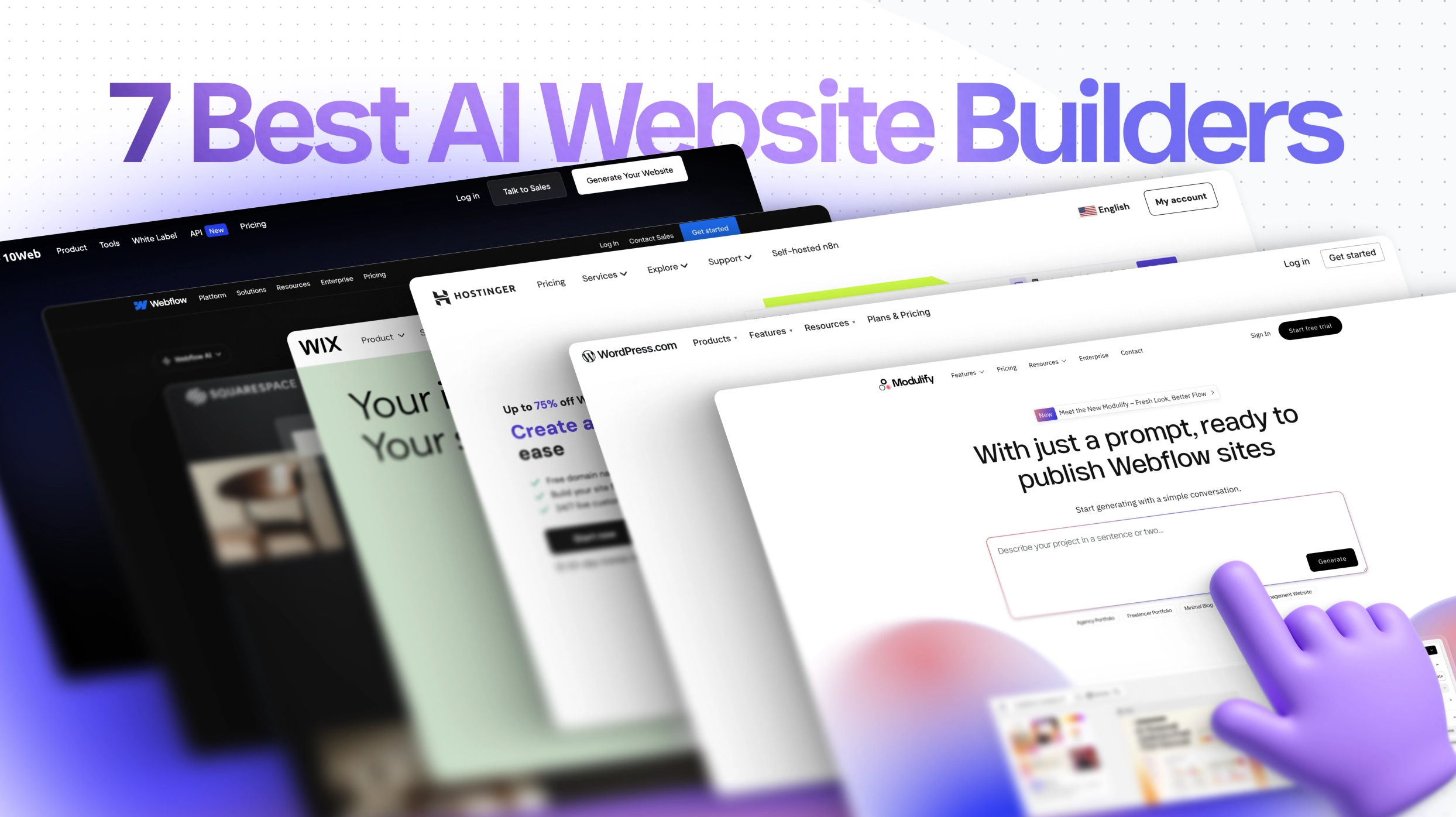
AI website builders aren’t just a buzzword anymore. They’re reshaping the way we approach web design—cutting down the hours we used to spend in Figma, drafting sitemaps, or filling wireframes with lorem ipsum. After personally testing different platforms, I’ve realized that while most of them are geared toward beginners, there are a few that actually respect the craft of design.
Here are the seven AI website builders worth your attention in 2026, starting with Modulify, which, in our experience, is the most exciting option we tested.
1. Modulify – Prompt to a live website, web app or dashboard
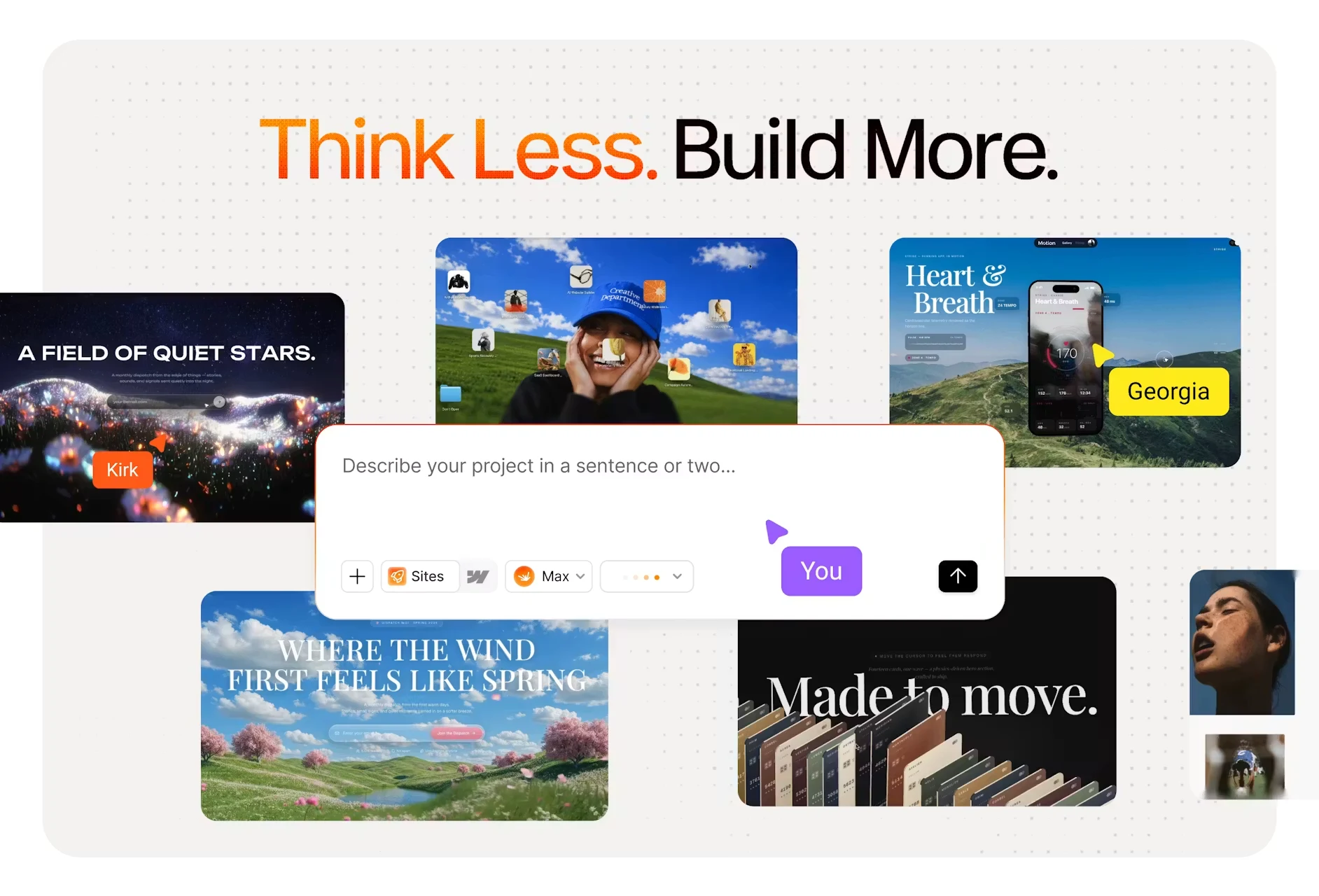
Modulify is the one tool on this list that does not stop at design. You describe what you want — in a sentence, from a screenshot, or starting from a template — and it generates a real, working project, then hosts and publishes it for you.
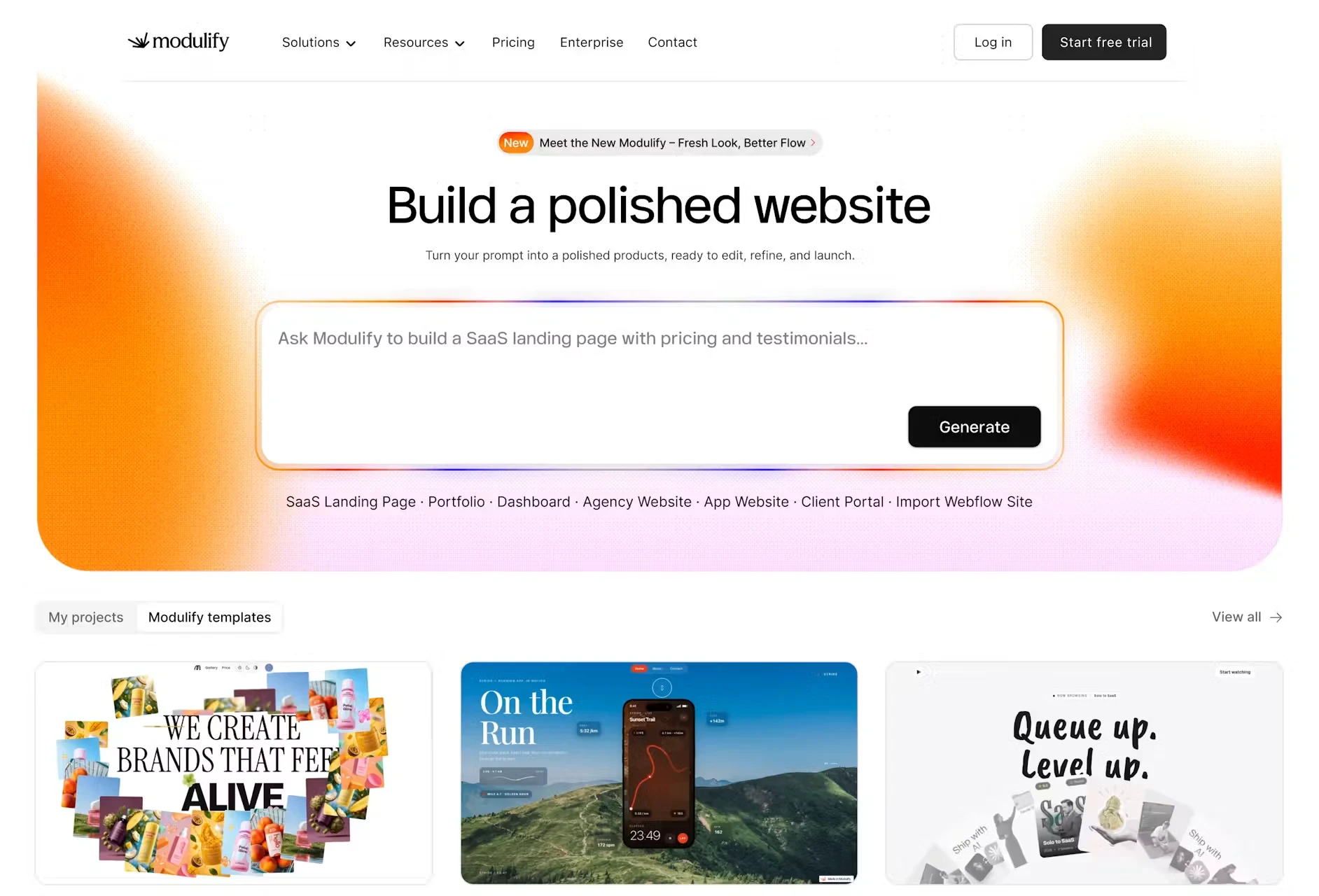
There is no library to pick from and no assembly step. The AI writes the page from scratch, and you refine it in plain language — “make the hero shorter”, “add a pricing section”, “use a warmer palette” — section by section, until it looks right.
What you can build
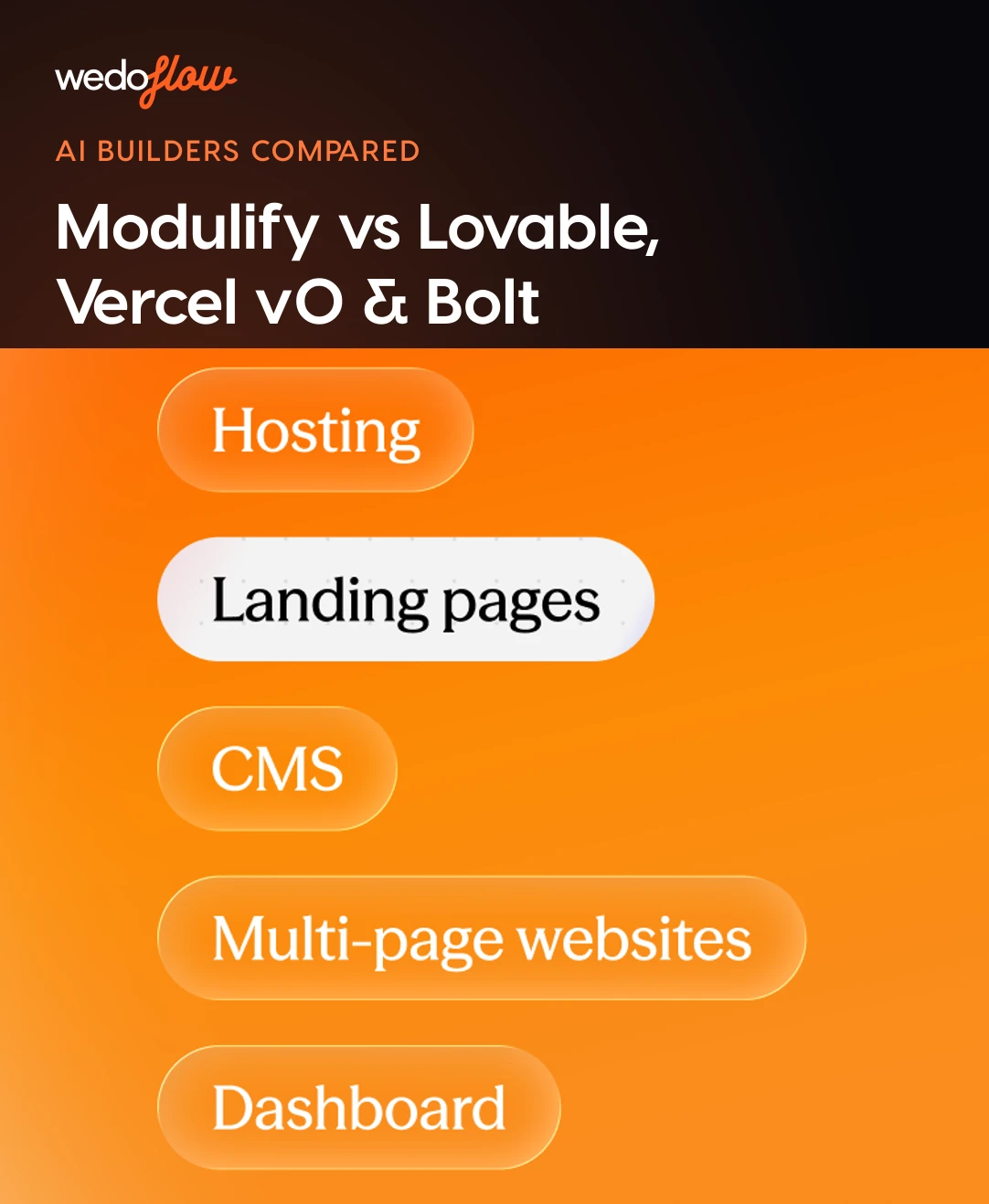
- Landing pages from a prompt, a screenshot or a template
- Multi-page websites with real navigation and structure
- CMS-driven sites with dynamic collections
- Dashboards with charts and tables
- Web apps with forms and flows
- Client portals for agency handoffs
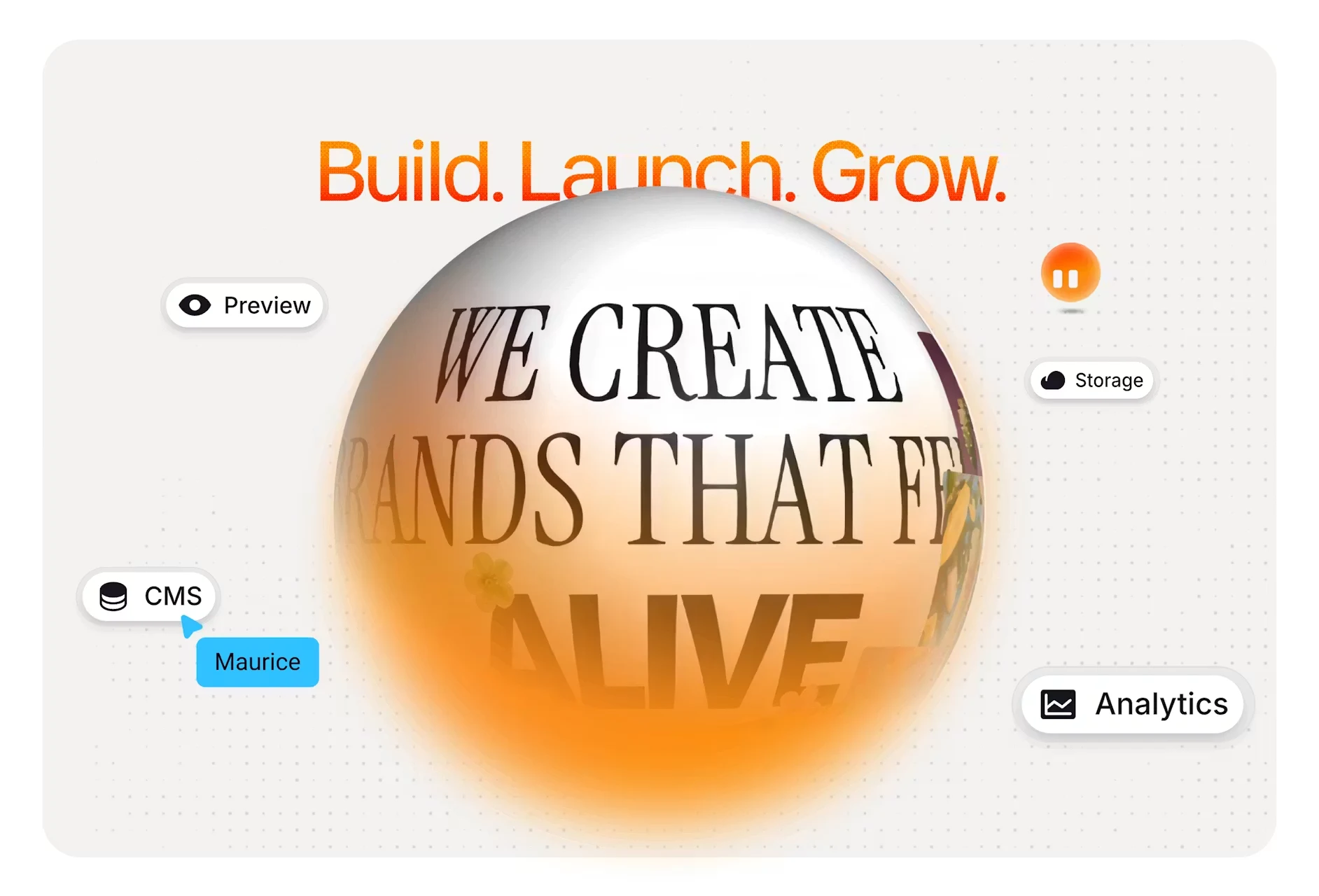
Every project ships with a database, file storage, built-in analytics, editable metadata and social previews, and responsive editing across desktop, tablet and mobile.
Skills: quality you switch on
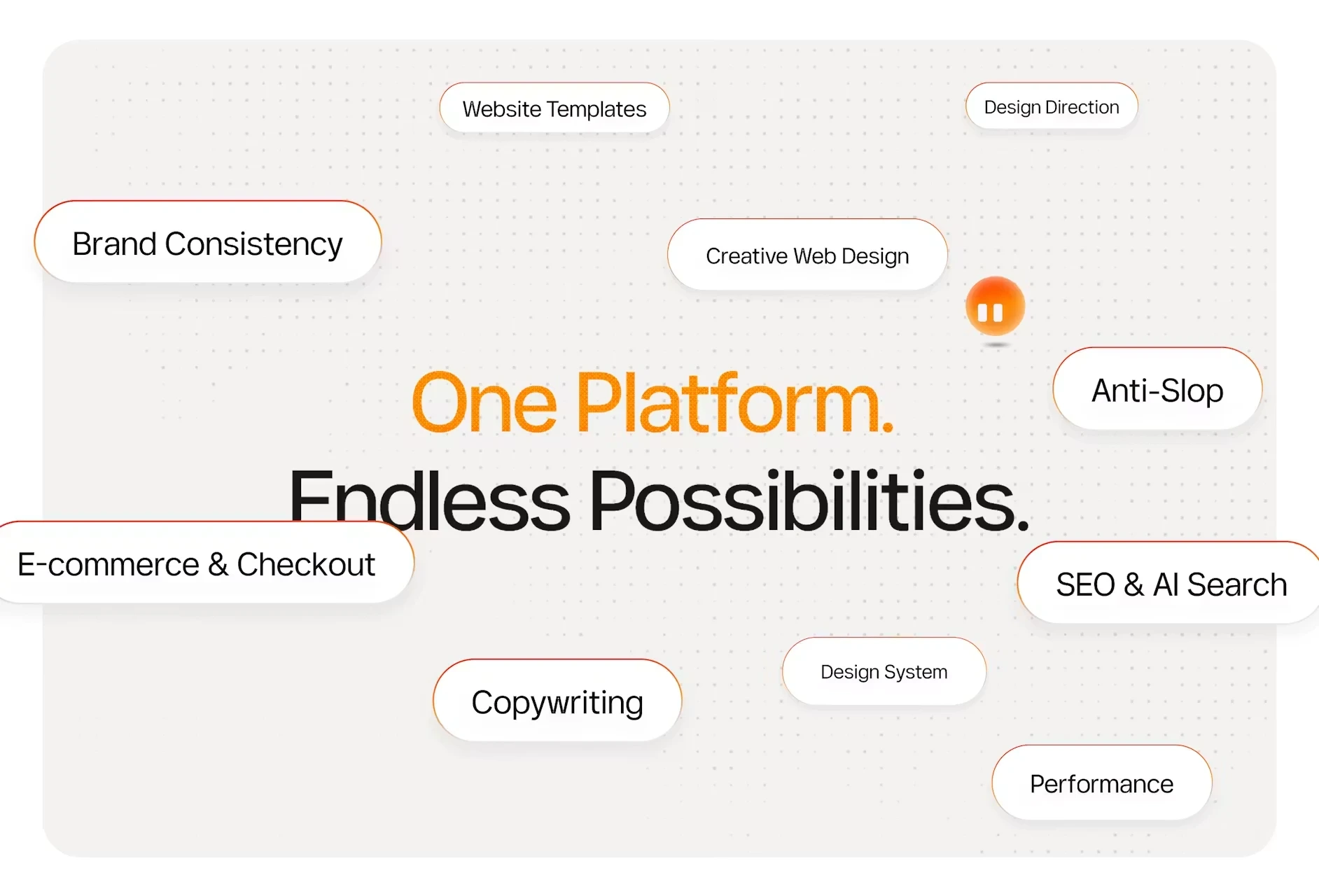
Skills are what separate it from a generic prompt-to-site tool. They are optional standards applied per build — Motion & Animation, Accessibility (WCAG), Performance (Core Web Vitals), SEO & AI Search, and Blog & CMS. Switch them on and the output respects them, instead of needing a clean-up pass afterwards.
Connections
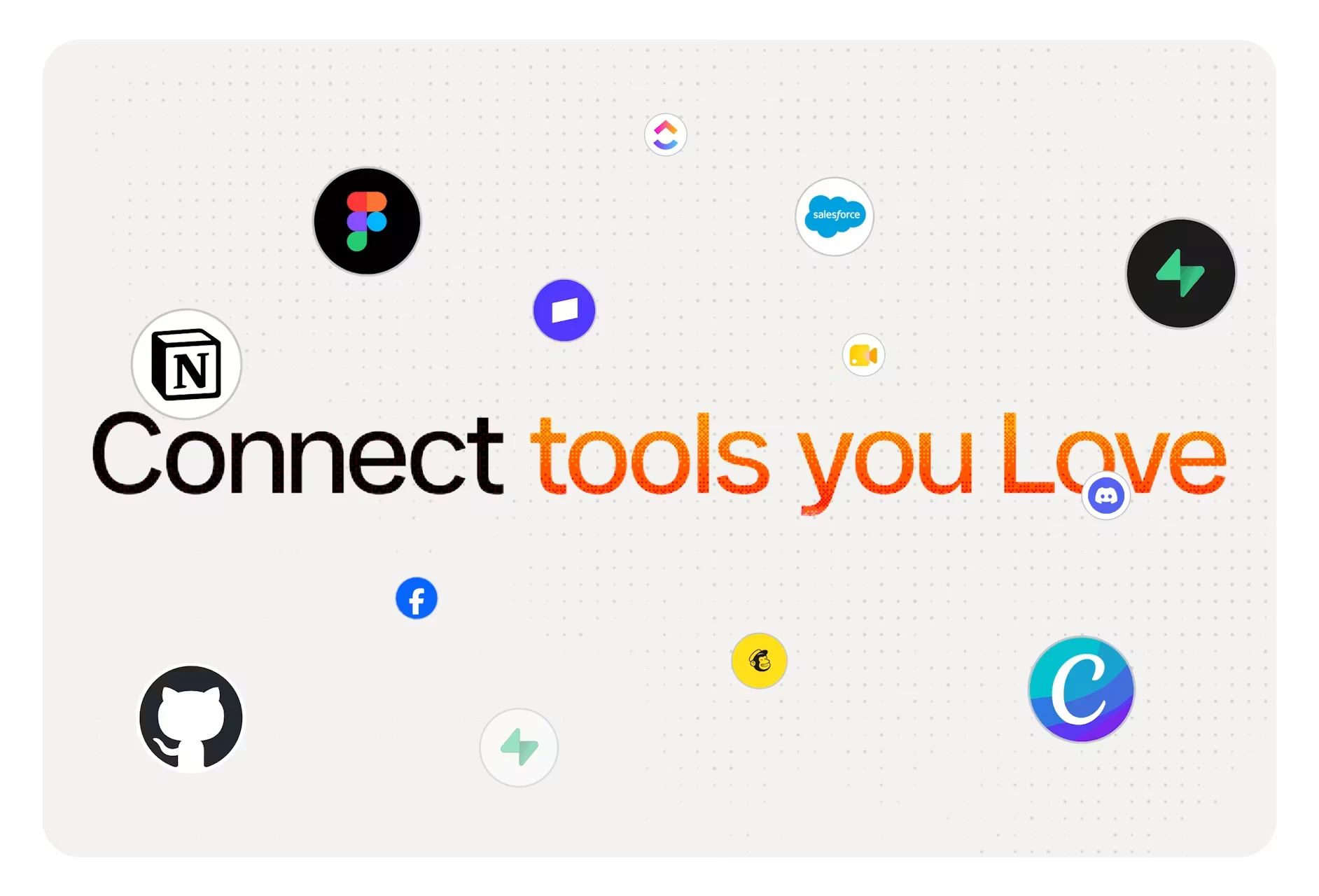
Modulify connects to over a hundred tools — Stripe, Slack, Notion, HubSpot and Figma among them — with no API keys to juggle and no glue code to maintain.
Hosting and publishing
This is the part most AI builders leave to you. You hit publish and the site is live — on a free Modulify subdomain, or on a custom domain you already own. No deploy step, no separate host, no second bill stacking up.
Pricing
Free is $0 forever: one site, 35 AI credits a month, published on a Modulify subdomain with Modulify branding. Starter is $25/month (or $20 billed yearly) for one site, 100 credits and a custom domain. Pro is $50/month ($40 yearly) and adds team members. Scale is a custom tier with design systems and dedicated support. Credits are compute — prompting, generating a page, restructuring a layout and rewriting copy all draw on them — and image generation is the most expensive thing you can do, so bringing your own images makes a plan stretch considerably further.
Knowledge required
None. If you can describe what you want, you can use it. There is no setup and nothing to install.
Best fit
- Founders shipping a site and an MVP without hiring anyone.
- Designers who want to ship the work themselves rather than hand it off.
- Marketers launching campaign pages on their own schedule.
- Ops and HR teams building internal tools that fit how they actually work.
- Agencies delivering client portals and multi-page sites at speed.
A note for Webflow users
Modulify began as a Webflow-focused design tool, and that version is now legacy. Existing paying customers can still switch the old Webflow tools back on and export their work, but new accounts start in 2.0 without them. If you already have a Webflow site you can request a migration: Modulify rebuilds selected sites 1:1 inside the platform — keeping the design, the pages, the CMS structure and the content model as they are. The full story is in Introducing Modulify 2.0.
2. Design.com AI Website Builder – Designer-Focused
Design.com offers one of the best AI website builders for creating a professional, fully responsive website. You only need to provide your business name and optional keywords, and the AI will generate unique layouts immediately. You can, then, customize the fonts, colors, layouts, and other design elements to match your brand perfectly.
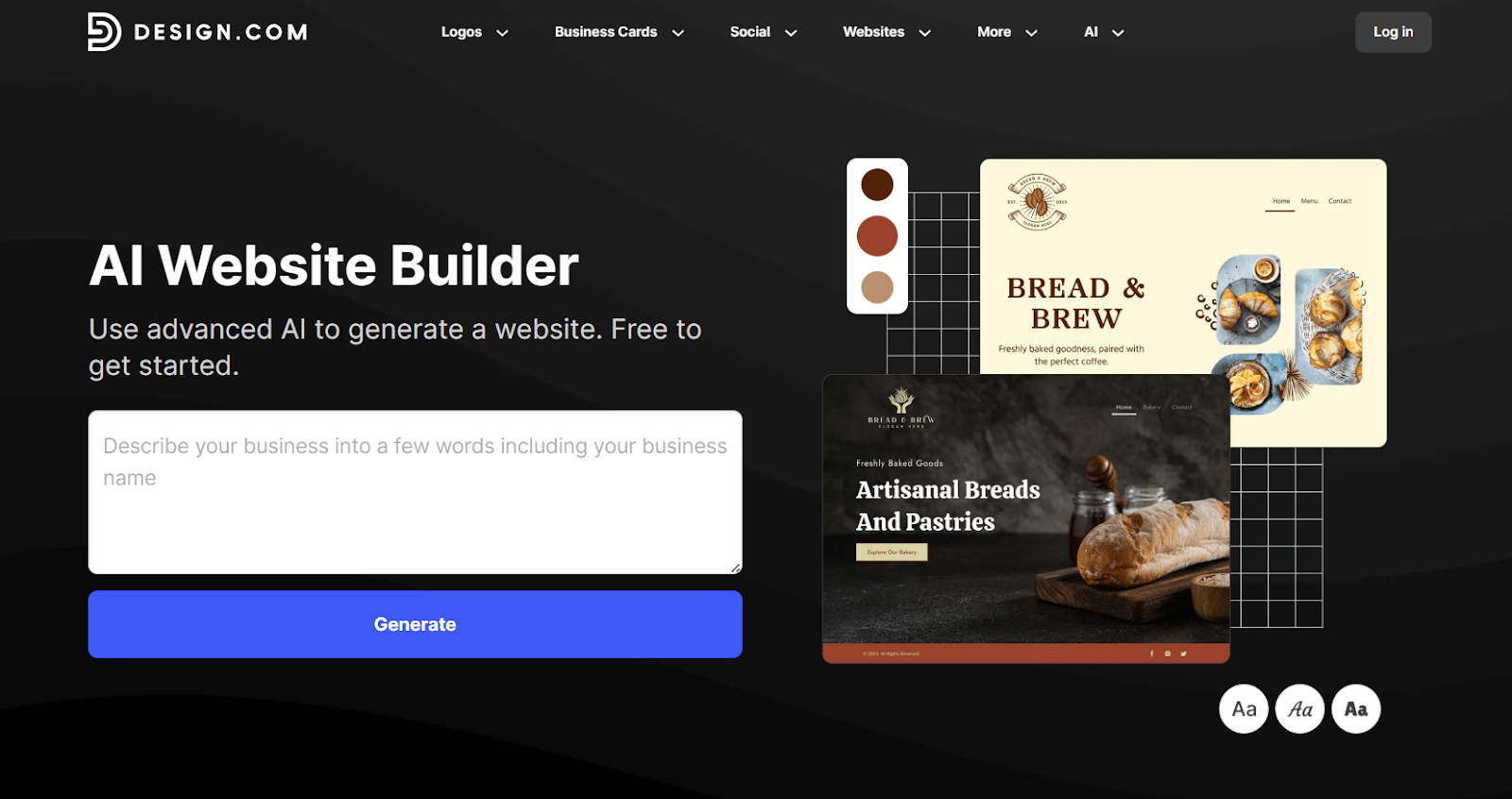
Once you’ve finalized everything, you can launch your website with one-click publishing, complete with custom domains, contact forms, and online payment integration.
What it’s known for
- AI-driven, unique website designs tailored to your brand and keywords.
- Extensive customization with 750+ fonts, 62K+ vector shapes, and color/layout control.
- Brand-focused tools for web, social, and print collateral,
Knowledge required
Beginner-friendly. However, exploring full customization may require some design sense.
Best fit
- Designers, creators, and small businesses seeking a brand-consistent website.
- Users who want fast AI-generated websites with deep customization options.
3. BrandCrowd website builder – Simple, Brand-Ready Sites
BrandCrowd Website Builder is a straightforward, no-code solution for developing high-quality, professional websites. This top website builder features a drag-and-drop editor that lets you change fonts, colors, and layouts even without prior design skills. Also, it offers free website templates so you can launch your website with no upfront cost.
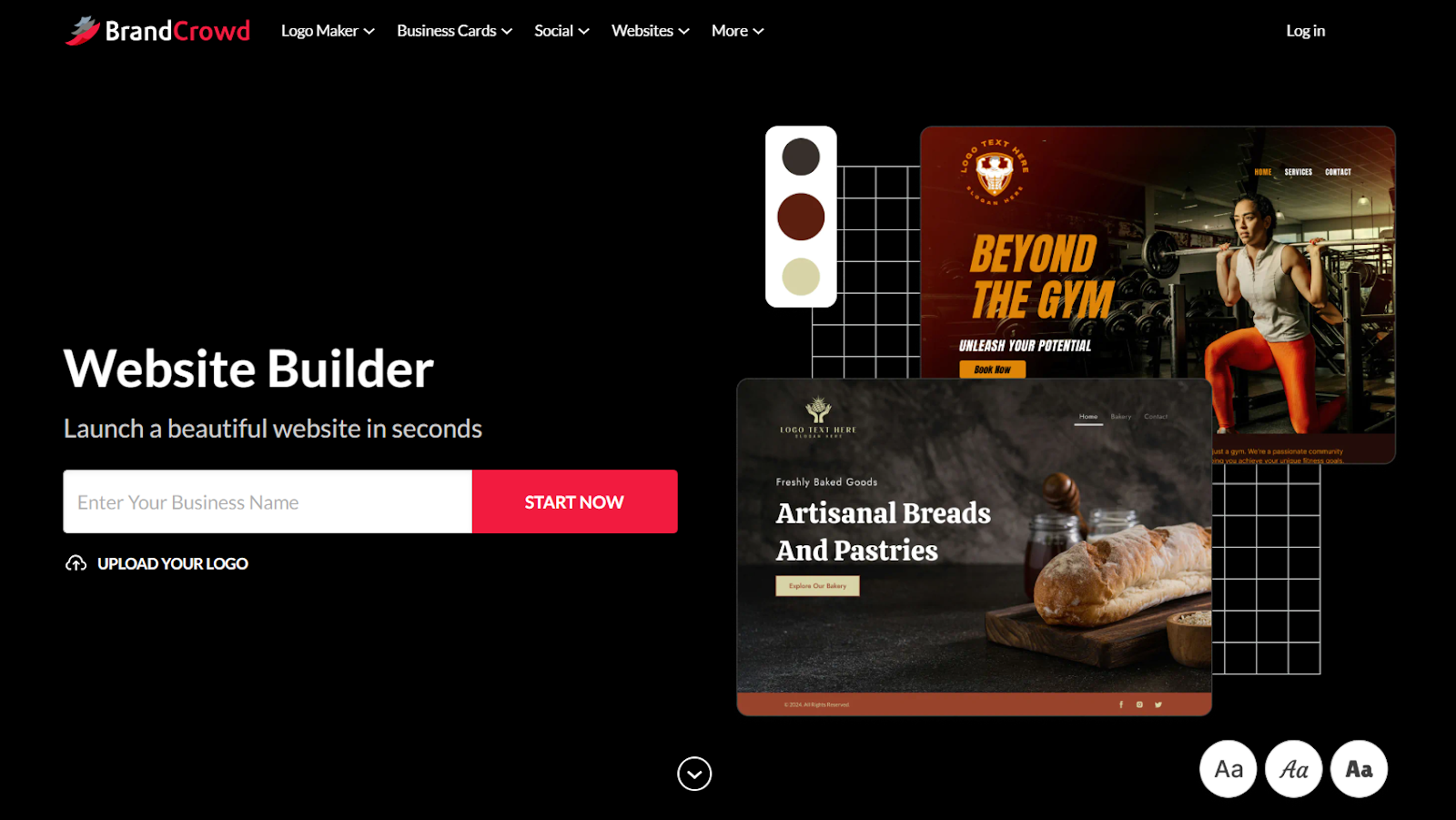
BrandCrowd integrates your logo onto the website for brand consistency. It also utilizes its other branding tools to maintain a cohesive look across all your brand assets and online presence.
What it’s known for
- Easy drag-and-drop editor for fast website creation.
- Full brand integration, combining logos, colors, and assets with your website.
- Extensive library of templates for websites, logos, and branding.
Knowledge required
Beginner-friendly. You don’t need any coding or design experience to use the platform.
Best fit
- Small businesses, creators, and entrepreneurs who want a cohesive brand online.
Users looking for a website builder that unifies branding and web design.
4. Webflow AI – Helpful but Still an Assistant
Webflow itself now includes Webflow AI inside the Designer. It’s helpful for drafting copy, generating headings, and suggesting layouts. But it’s more like an assistant than a full builder.
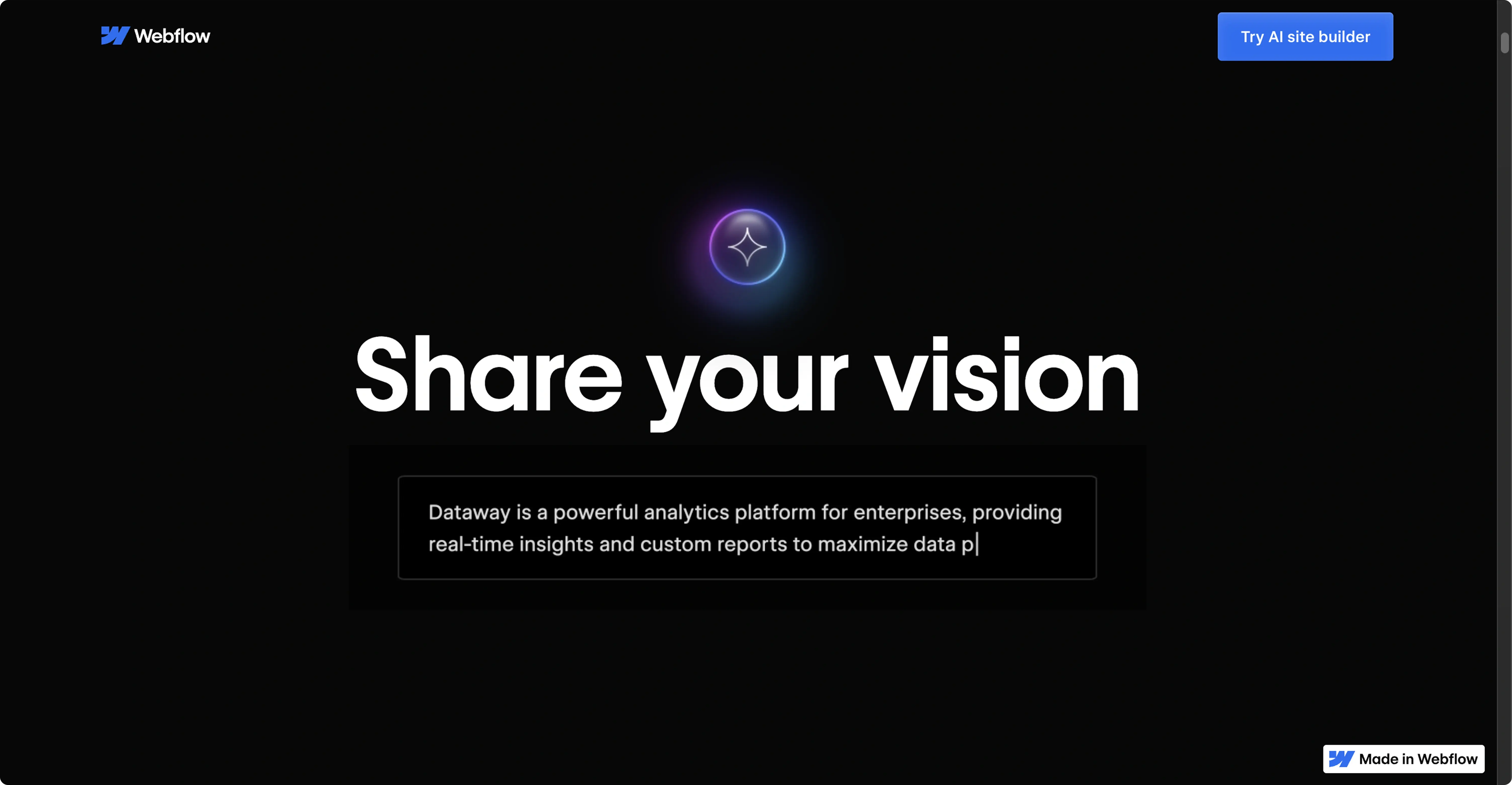
When we tested it, we found it useful for filling in content gaps quickly, but it doesn’t replace wireframing or structured sitemaps as a designer would like to.
What it’s known for
- Seamless integration inside the Webflow Designer.
- Helps with small tasks like writing hero copy or suggesting component layouts.
Knowledge required
You need to already understand Webflow’s interface. Unlike Modulify, Webflow AI doesn’t generate an entire sitemap or wireframe—it enhances what you’re already building.
Best fit
- Webflow designers who want incremental speed boosts.
- Teams who prefer fine-tuned creative control with AI assistance rather than full automation.
5. Squarespace AI – Smooth for Beginners
Squarespace has long been known for elegant templates, and their AI tools now make setup even easier. The platform can generate page layouts and draft text based on prompts, which is ideal for non-designers.
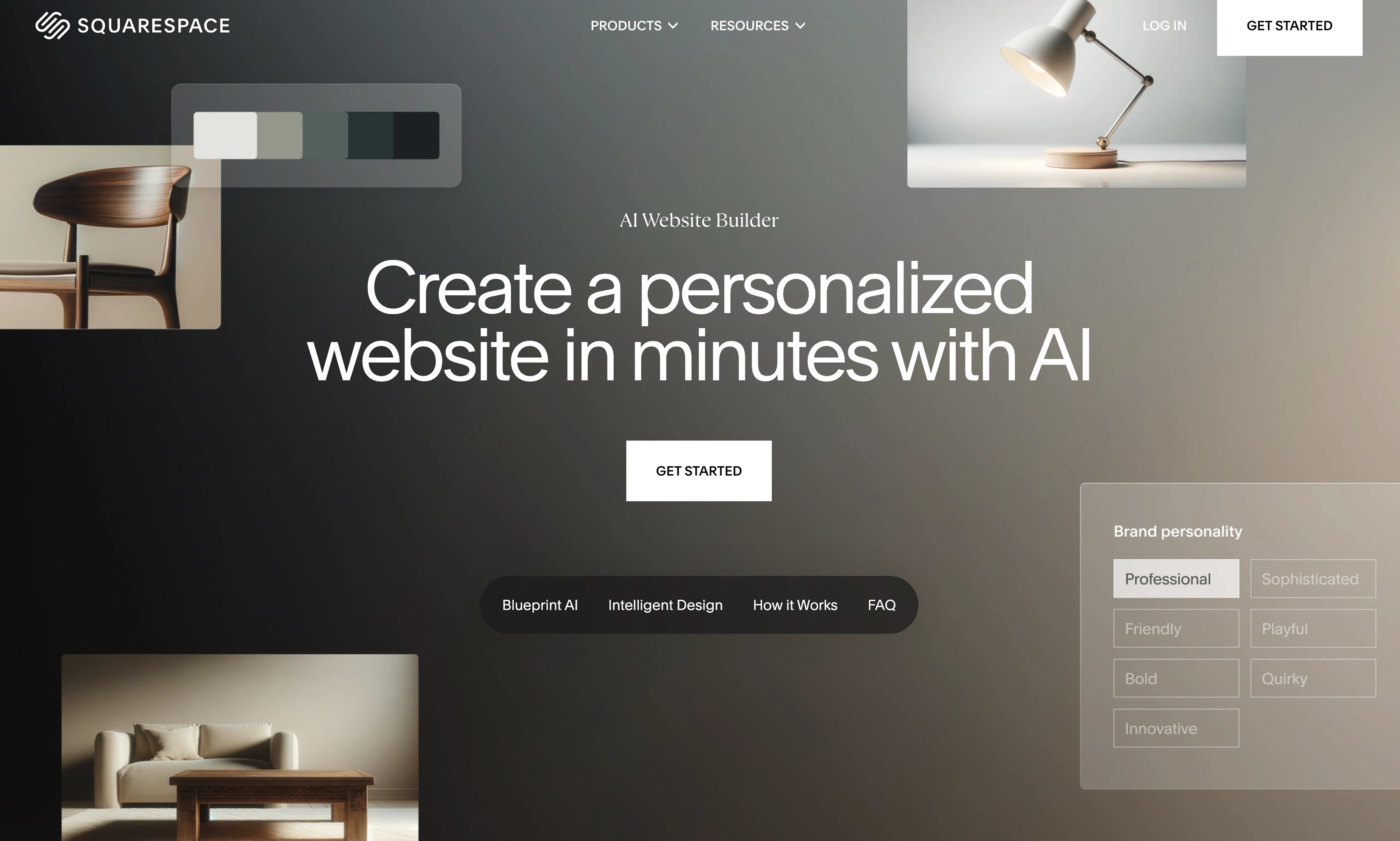
We tried it for a small portfolio site, and it generated a pleasant draft in less than a few hours.
What it’s known for
- Simple, stylish templates with AI-driven text suggestions.
- Smooth user experience with minimal learning curve.
Best fit
- Small business owners.
- Creatives (photographers, writers, artists) who want a portfolio without learning Webflow or WordPress.
6. Wix AI – Fast but Can Feel Busy
Wix’s AI builder has been around longer than most. You answer a set of questions, and its ADI engine generates a full site in minutes. It’s great for speed, but I’ve found that the designs can feel a bit cluttered compared to Squarespace’s cleaner look.
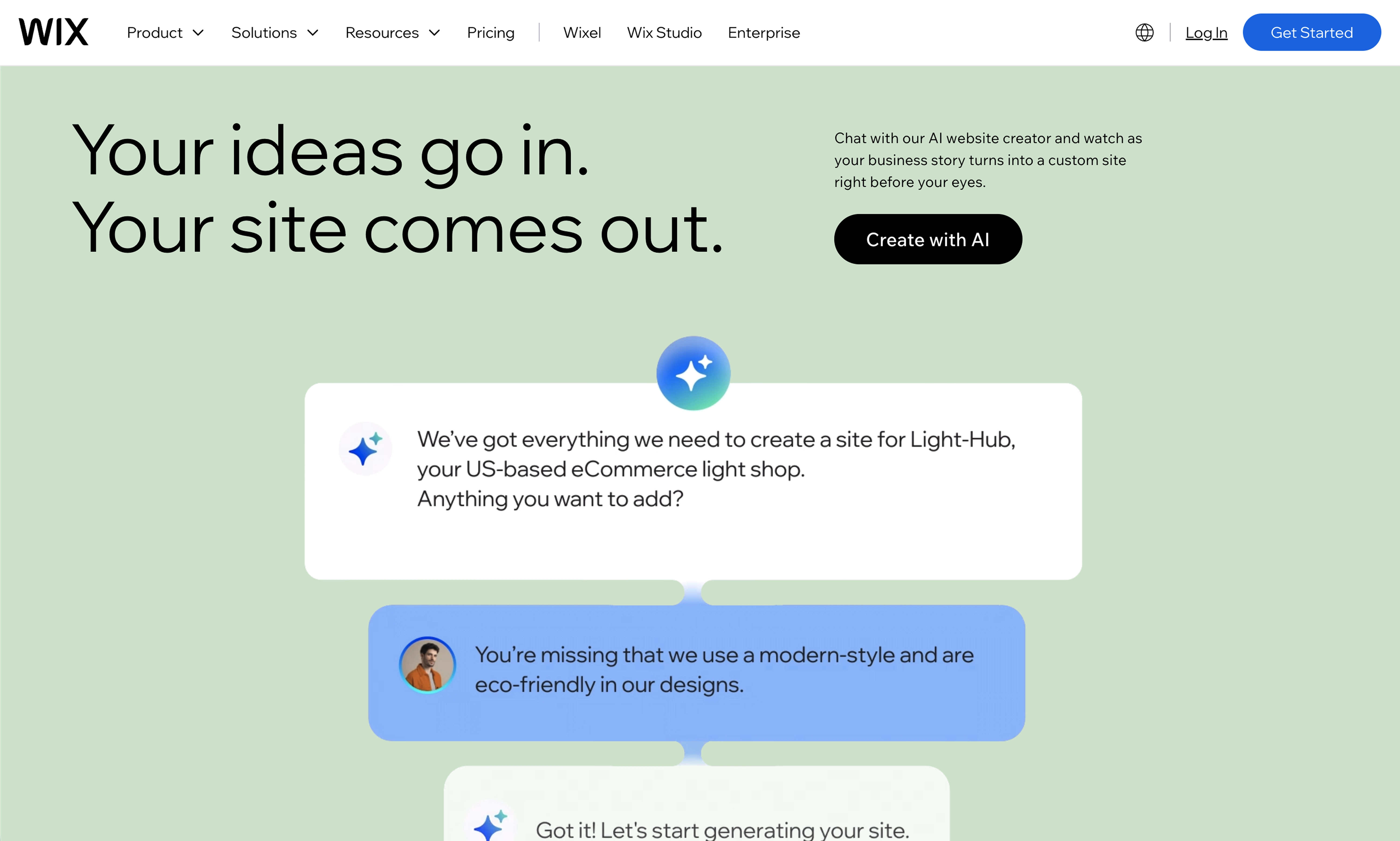
That said, Wix has one of the most flexible editors out there, so if you want to keep tweaking, you can. Beginners can publish a site the same day, while more patient users can dig deeper and customize until it feels unique.
Knowledge required
Beginner-friendly. You can get a site up in minutes, but heavy customization may require patience.
Best fit
- Personal projects, small businesses, and side hustles.
- Beginners who want a website builder with AI that doesn’t overwhelm them.
7. Hostinger Website Builder – Budget-Friendly
Known mostly for hosting, their AI website builder is actually pretty decent. It’s not trying to compete with Webflow-level precision, but if you’re looking for something affordable and quick, it does the job.
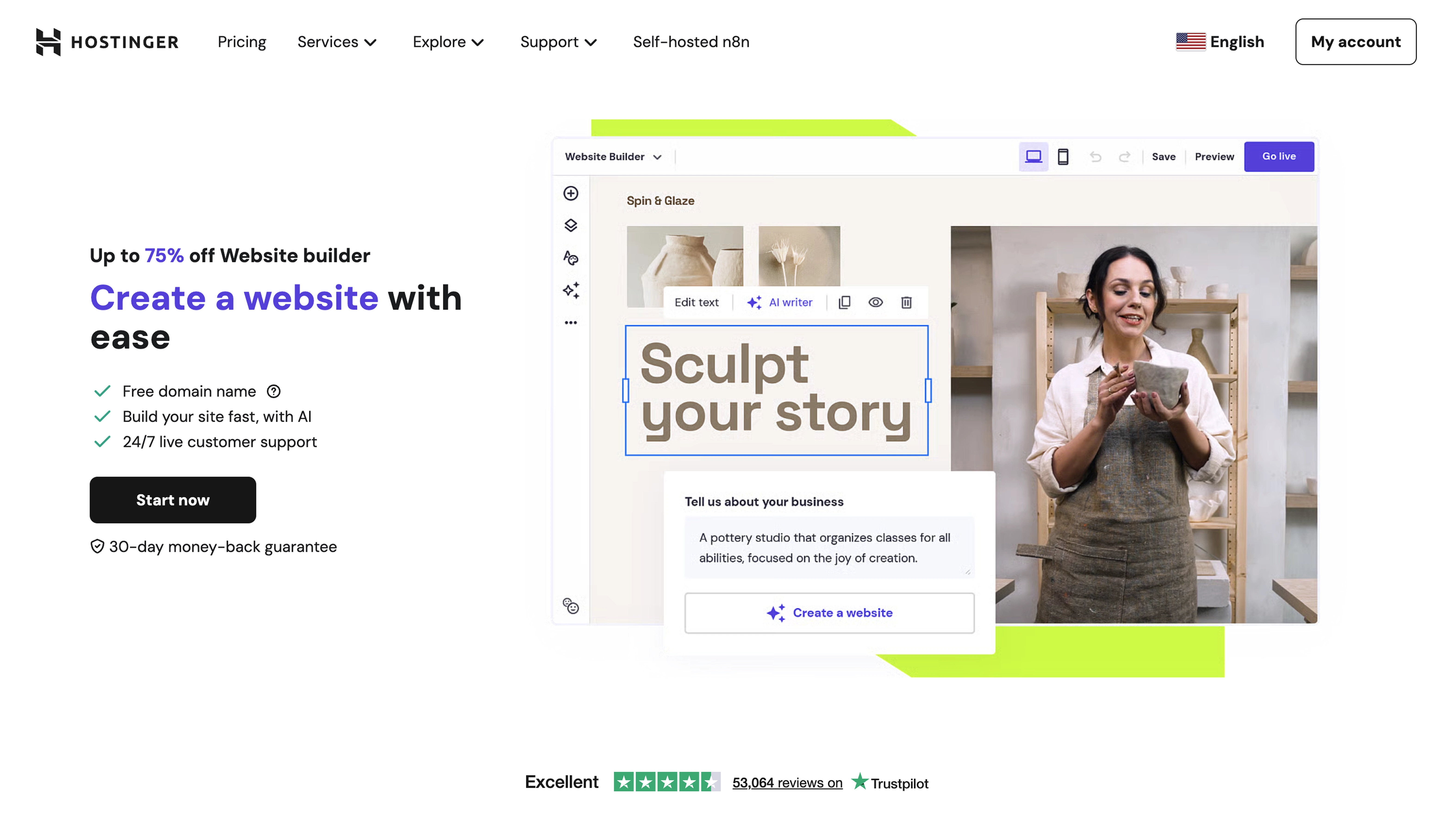
The AI helps with text, layout, and design basics, and the fact that hosting is bundled in makes it an attractive package for startups or freelancers who just want an online presence without paying premium prices.
What it’s known for
- Cost-effective solution with built-in AI features.
- Drag-and-drop builder with smart AI copy suggestions.
Best fit
- Startups and freelancers who need a professional site at a low price.
- Anyone who wants hosting + site builder in one package.
Final Thoughts
Modulify is hands-down the most valuable tool we’ve tested. It is the only one that takes you from a prompt to a live, hosted product — website, web app or dashboard — with a database, a CMS and analytics already in the box, so there is no second tool to buy and no hosting bill stacking up. For us, it’s the first AI website builder that doesn’t feel just like a shortcut but also a professional tool.
FAQs
What is the best AI website builder for Webflow designers?
Modulify is the top choice: it generates a complete site from a single prompt and hosts it for you, and if you already have a Webflow site you can import it. The older Webflow export stays available to existing customers as a legacy option.
Do I need coding knowledge to use these AI website builders?
No, most of them are no-code platforms. Modulify, Webflow AI, Squarespace, Wix, and Hostinger are beginner-friendly, while WordPress and 10Web may require some technical setup.
Are AI website builders good for agencies?
Yes. Tools like Modulify and 10Web are particularly useful for agencies because they reduce project setup time while keeping scalability in mind.