Top 5 Free Portfolio Website Builders Designers Need to Know
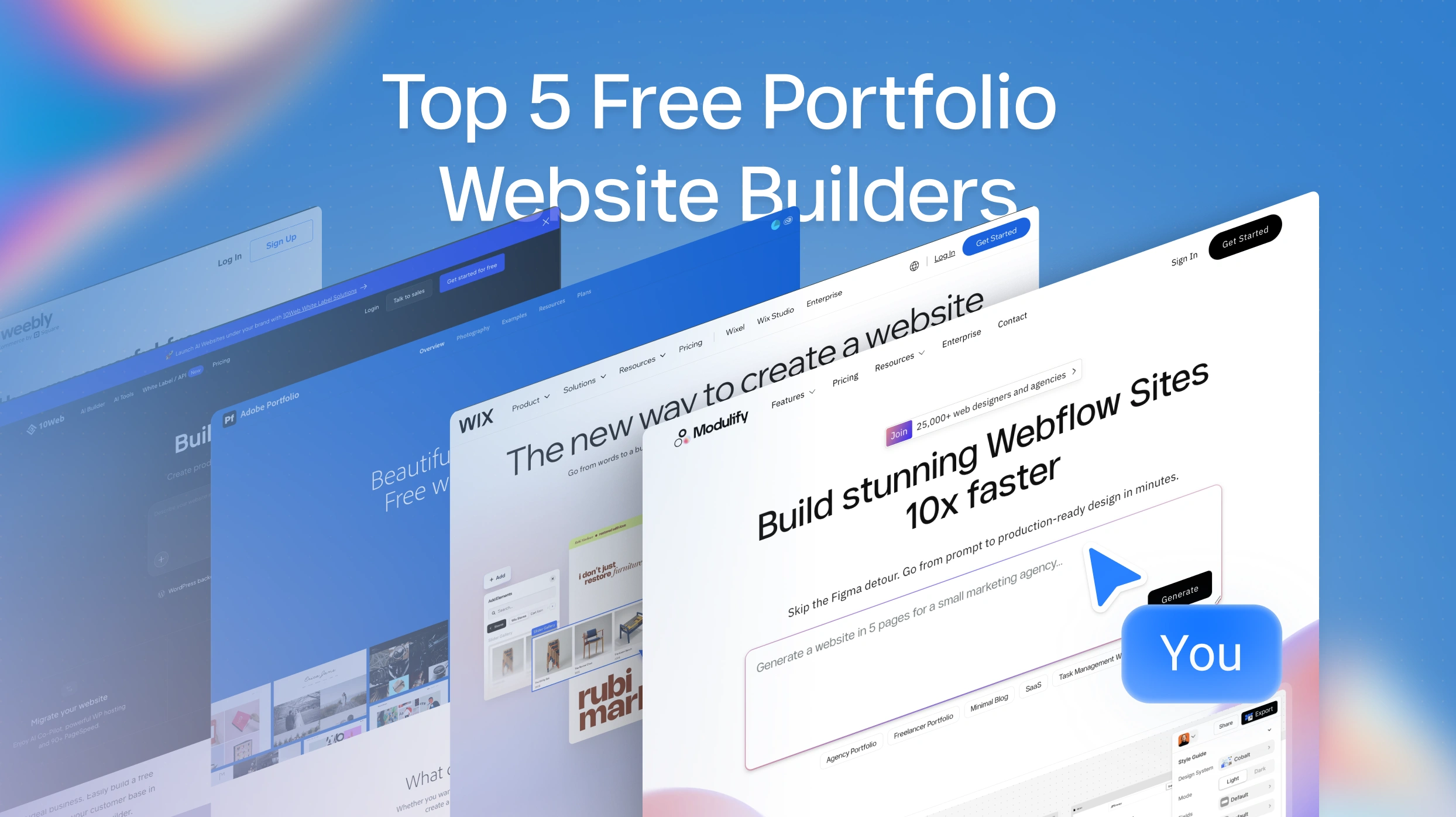
Top 5 Free Portfolio Websites Designers Need to Know
We tested and researched the top portfolio platforms available right now to find the best free portfolio sites for designers and creatives. Below are five standout options — each with different strengths depending on your skill level, design style, and career goals. Here's what you need to know about each one, including real free plan details, who it's actually best for, and where each platform falls short.
1. Modulify
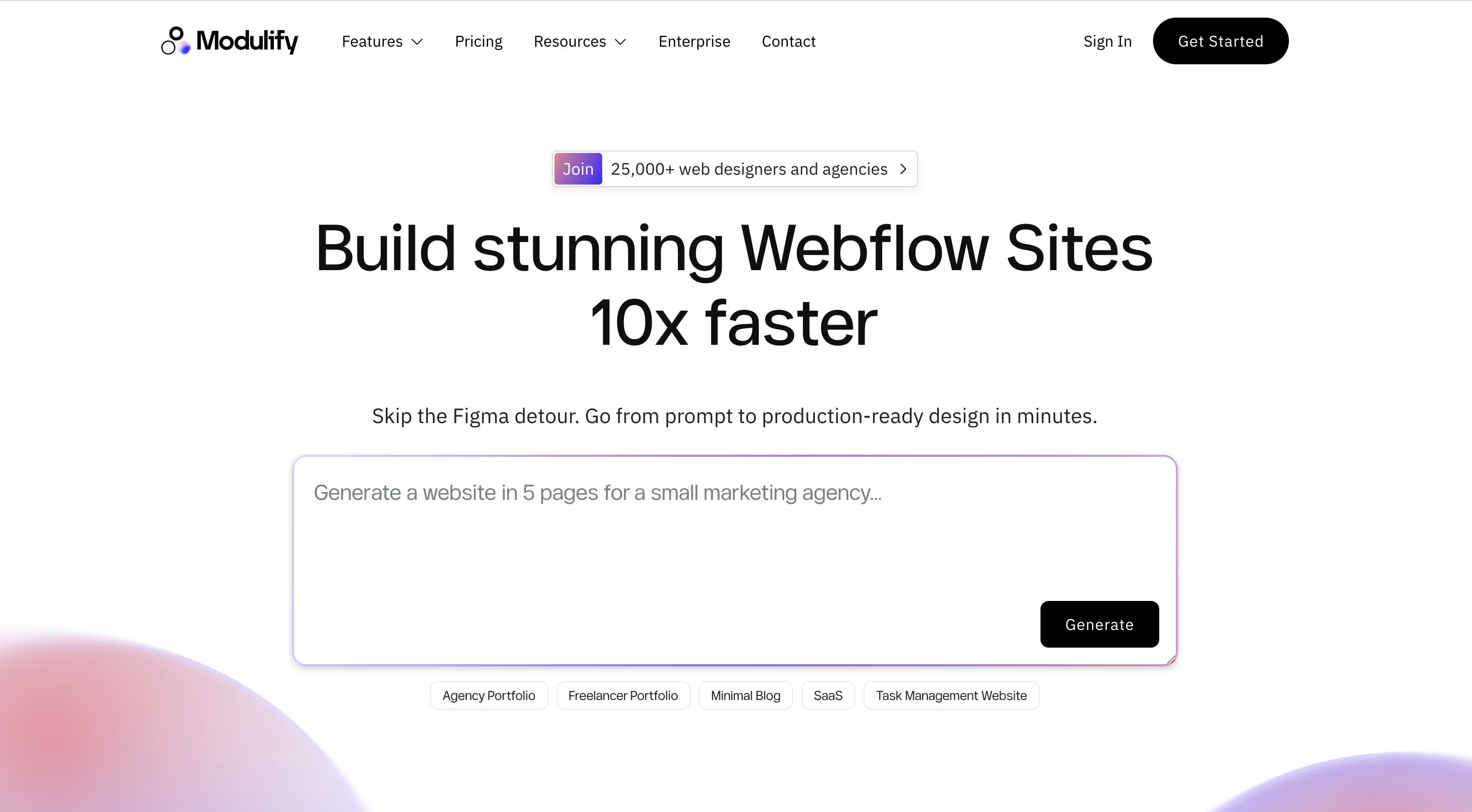
If you want a designer portfolio website that actually looks like a designer built it — but you'd rather not spend weeks tweaking layouts — Modulify is the most exciting new portfolio builder platform on the scene. Built specifically for the Webflow ecosystem, Modulify uses AI to take you from a simple text prompt to a fully styled, production-ready website design in minutes.
Describe your portfolio project, and the AI generates a structured sitemap, populates it with solution-driven components (galleries, project showcases, case study layouts, contact sections), and applies a complete design system with typography, colors, spacing, and micro-interactions in a single click.
The AI-powered portfolio maker built for professional results
What sets Modulify apart from every other portfolio builder on this list is its library of over 1,200 pre-built components and 30+ curated design systems crafted for specific industries — including portfolio templates designed for web designers, photographers, branding professionals, and UX/UI creatives. These aren't generic drag-and-drop blocks.
Every component follows the Client-First framework (the gold standard among professional Webflow developers), includes pre-built animations and interactions, and exports directly into Webflow with clean, production-ready code. The platform also integrates OpenAI for generating copy and images, Lummi AI for free stock photography, and Ikonik for access to over 50,000 open-source icons — all within the design canvas.
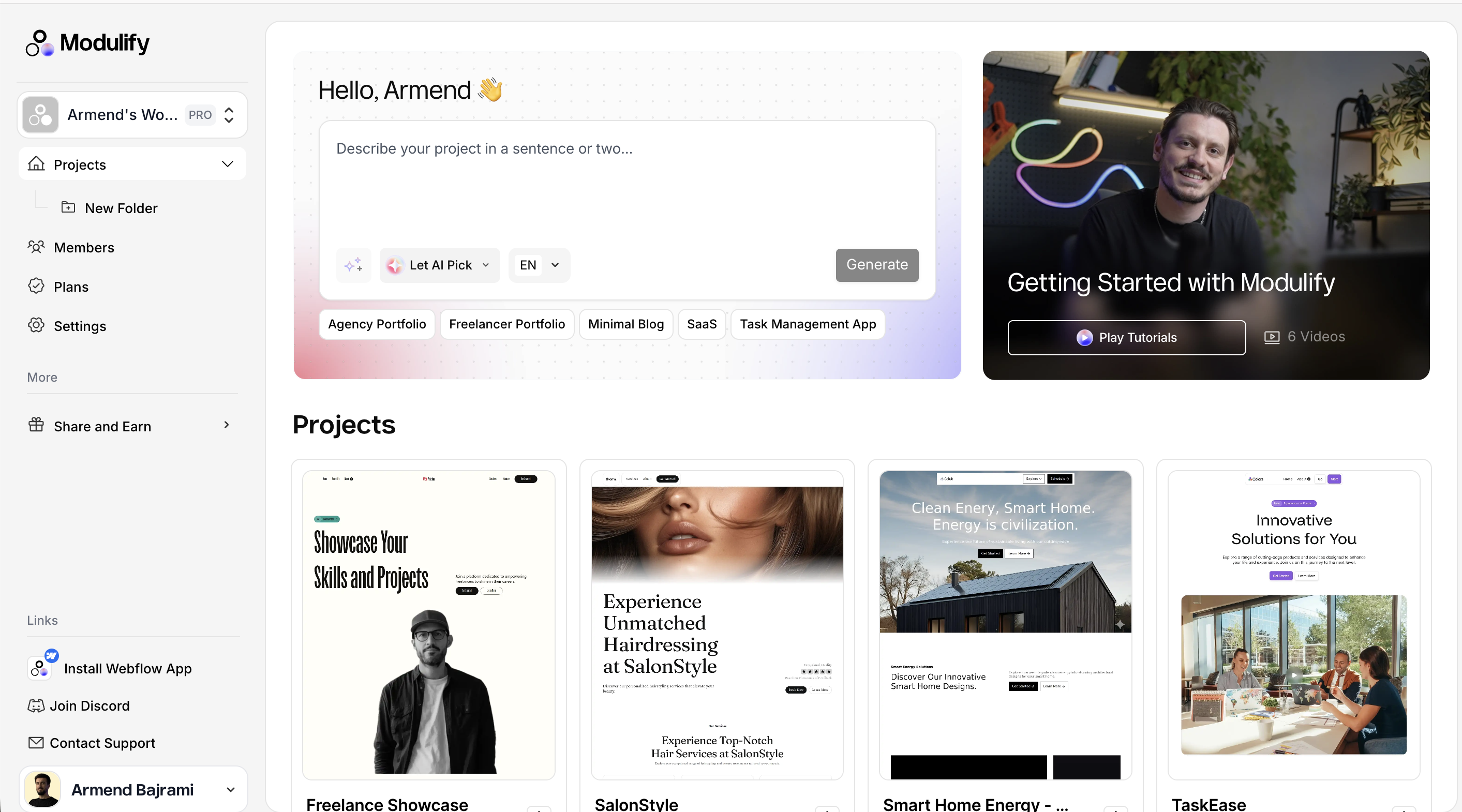
The latest update released by Modulify is the ability to generate images with Nano Banana directly in the platform, designing premium websites with high quality images.
Modulify's free plan includes one project with one page and up to 25 components, plus access to every design system and 10 AI image generation credits per month. You can export both wireframes and styled designs to Webflow at no cost. The key thing to understand is that Modulify handles the design side — you'll publish through Webflow, which has its own free tier (with a webflow.io subdomain).
For designers already in the Webflow ecosystem, this is a massive time-saver that eliminates the traditional Figma-to-Webflow workflow. Paid plans start at $19/month billed annually, and unlock unlimited projects, pages, and components, plus team collaboration features. Student discounts are also available.
Best for: Webflow-savvy designers and freelancers who want AI-accelerated portfolio design with professional-grade output. Also excellent for students and junior designers who need a polished, creative portfolio website fast without deep technical knowledge. Not ideal if you've never touched Webflow, since the final publish step happens there.
2. Wix
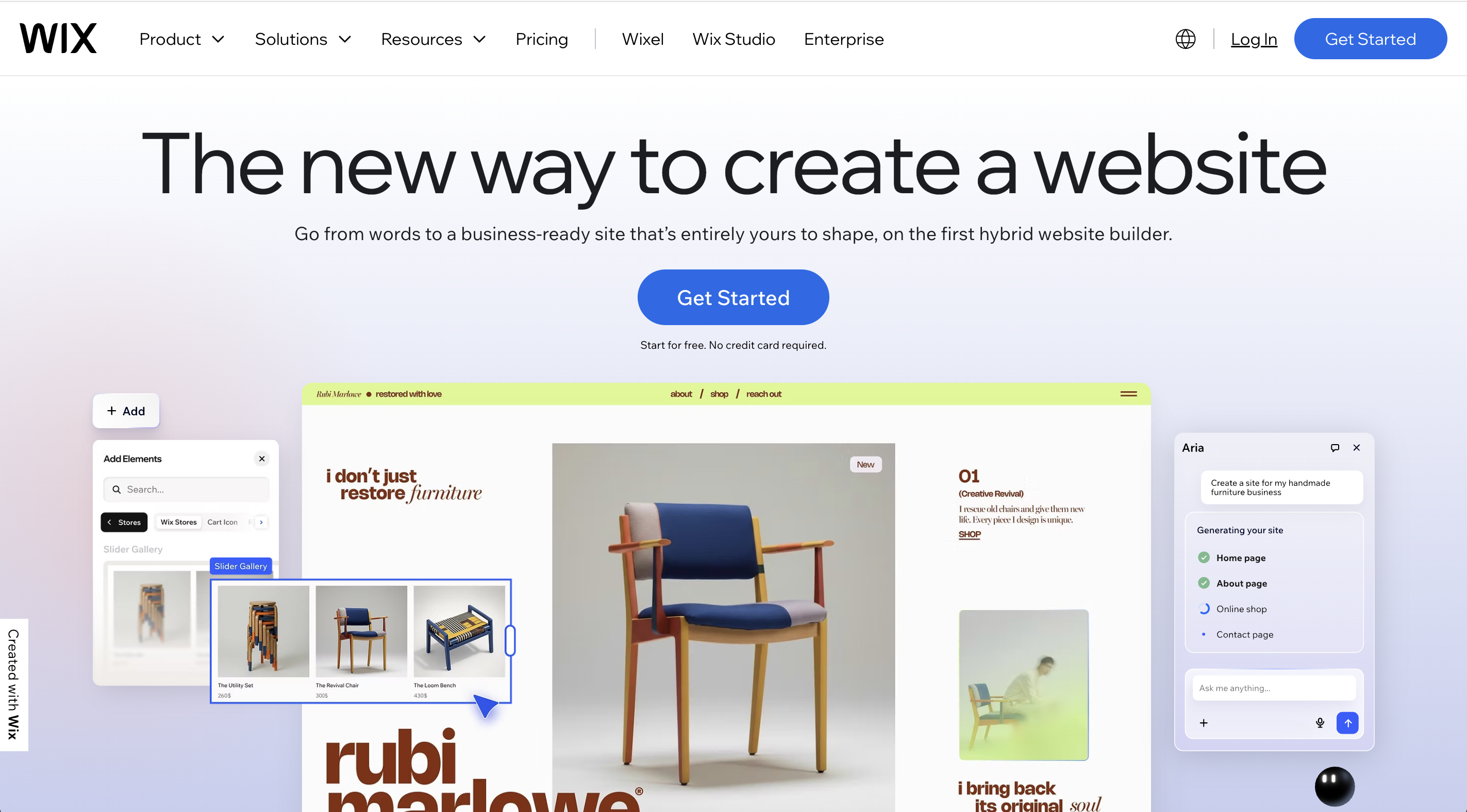
Wix remains the heavyweight champion of free portfolio sites, and for good reason. With over 2,000 customizable templates — including 290+ specifically in the portfolio and CV category — no other platform comes close in sheer variety. Whether you're a photographer looking for full-bleed image grids or a graphic designer who wants bold typography and scroll-triggered animations, there's almost certainly a Wix template built for your niche.
Wix has also gone all-in on AI. The Wix AI Portfolio Generator lets you describe the kind of portfolio you want, upload your work, and the AI automatically categorizes your media into titled projects complete with descriptions — cutting setup time by up to 90%.
Additional AI tools generate text, create new page sections from prompts, and suggest design adjustments in real time. For hands-on customization, the dedicated Wix Portfolio App (free in the Wix App Market) offers curated project collections, and the Wix Pro Gallery delivers stunning lightbox displays with multiple layout options for image and video work.
Best for: Beginners and intermediate designers who want maximum creative freedom without coding. Especially strong for freelance photographers, graphic designers, and artists who need a versatile all-in-one platform that combines a portfolio showcase, blog, and optional eCommerce. The AI tools make it the best free portfolio website builder for anyone who wants to get a professional-looking site live quickly.
3. Adobe Portfolio
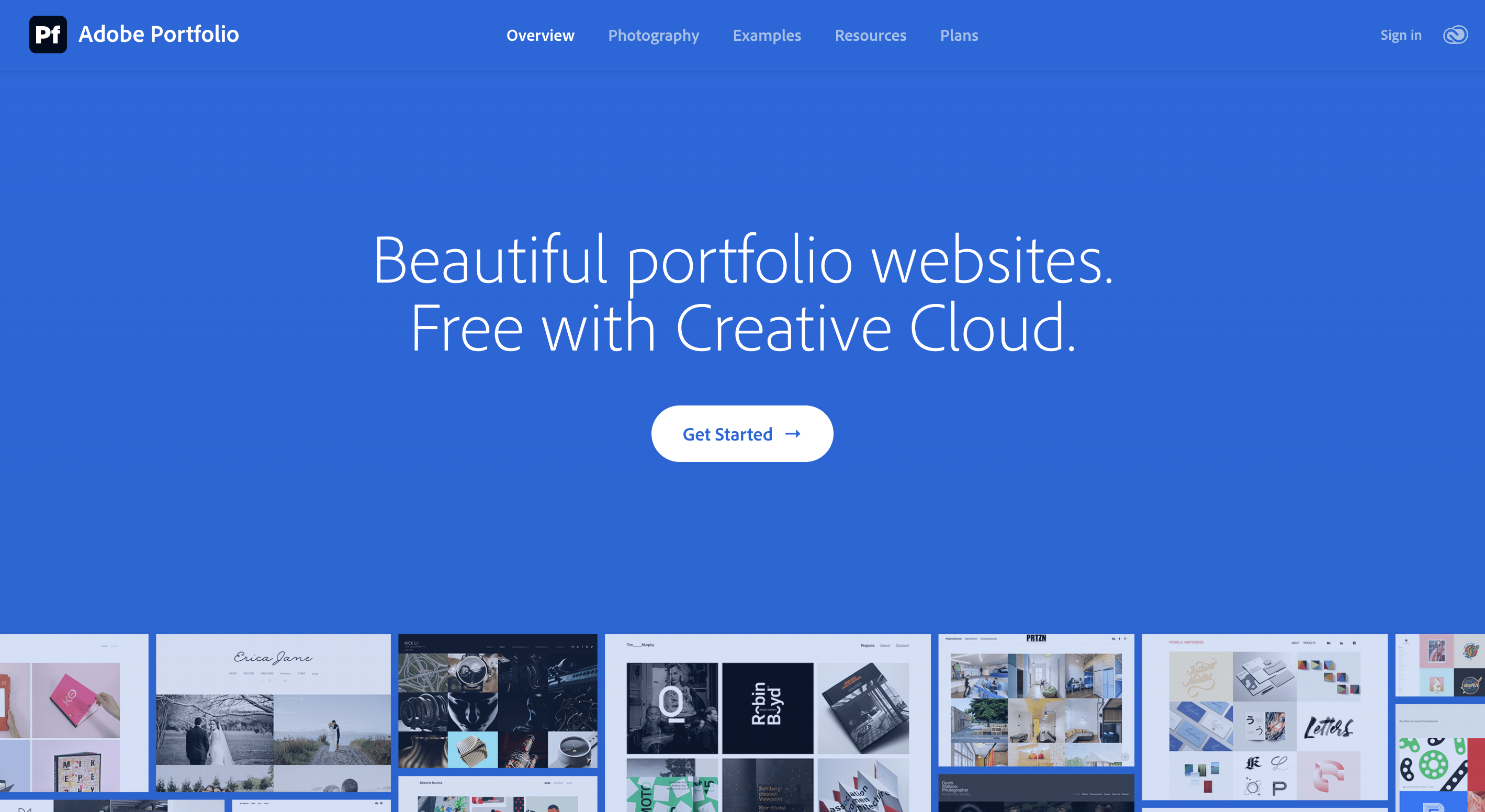
For designers already paying for Adobe Creative Cloud, Adobe Portfolio is a no-brainer addition to your toolkit. It comes included at no extra cost with any Creative Cloud subscription — whether you're on the Photography Plan ($9.99/month), a Single App plan, or the full All Apps suite.
The platform's killer feature is its deep ecosystem integration. Your Behance projects sync directly into your portfolio with two-way updates, Lightroom albums import as photo grid pages with a single click, and you get full access to the entire Adobe Fonts library — hundreds of professional typefaces that instantly elevate your typography beyond what most free portfolio websites can offer.
The tradeoffs are real, though. Adobe Portfolio offers only about 12 templates, many of which haven't been significantly updated since the platform launched around 2016. There is no access to custom HTML, CSS, or JavaScript — it's a completely closed system.
You won't find blogging tools, eCommerce features, advanced animations, or marketing integrations. And critically, this is not a free portfolio website in the traditional sense: if you cancel your Creative Cloud subscription, your site goes offline entirely. For designers who want more customization or don't already subscribe to Adobe, other platforms on this list will serve you better.
Best for: Photographers and visual designers already invested in the Adobe ecosystem who want a clean, professional online portfolio with minimal setup. The Behance and Lightroom integrations make it particularly compelling for anyone actively sharing work on those platforms. Not the right choice for designers who want full creative control or need features beyond a simple image showcase.
4. 10Web
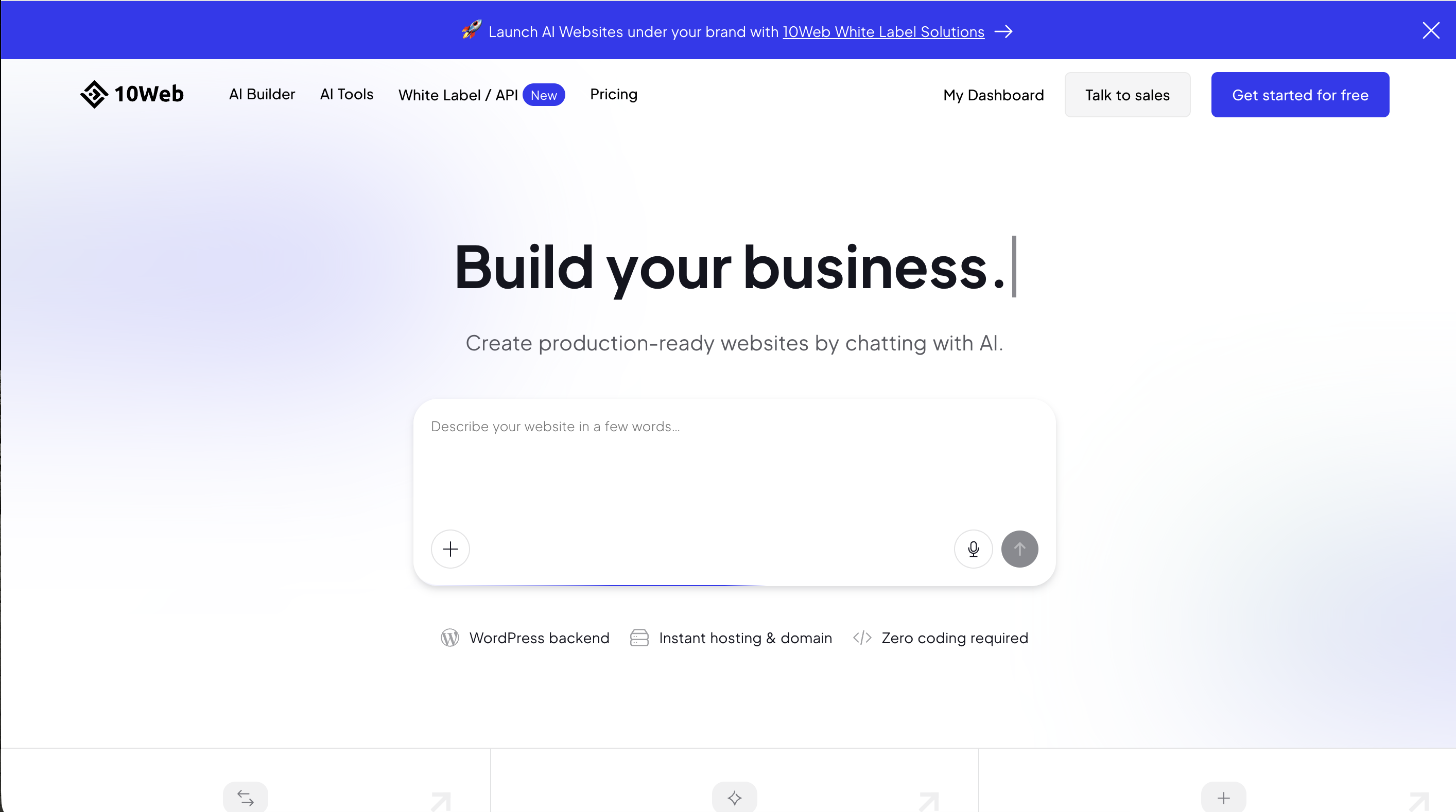
10Web takes a fundamentally different approach to portfolio building. Rather than offering a proprietary builder, it's an AI-powered WordPress platform running on Google Cloud infrastructure.
Describe your portfolio project — say, "freelance UX designer portfolio with case studies and a contact page" — and 10Web's AI generates a complete multi-page WordPress site with layout, content, and placeholder images in 3 to 5 minutes. An AI Co-Pilot stays available inside the Elementor-based editor, helping you rewrite headlines, adjust copy tone, expand sections, and generate images on the fly.
Where 10Web falls short for budget-conscious designers is pricing. There is no permanent free plan — only a 7-day free trial with full feature access, no credit card required. After the trial, plans start at $10/month billed annually for the AI Starter tier (10GB storage, 10,000 monthly visitors, 5,000 AI-generated words).
Best for: Designers with WordPress experience who want the customization depth of a full WordPress site combined with AI-assisted building and premium Google Cloud hosting. Especially well-suited for freelancers and agencies who build portfolio websites for clients and want white-label capability. Not ideal for designers seeking a permanently free solution or those with no WordPress familiarity.
5. Weebly
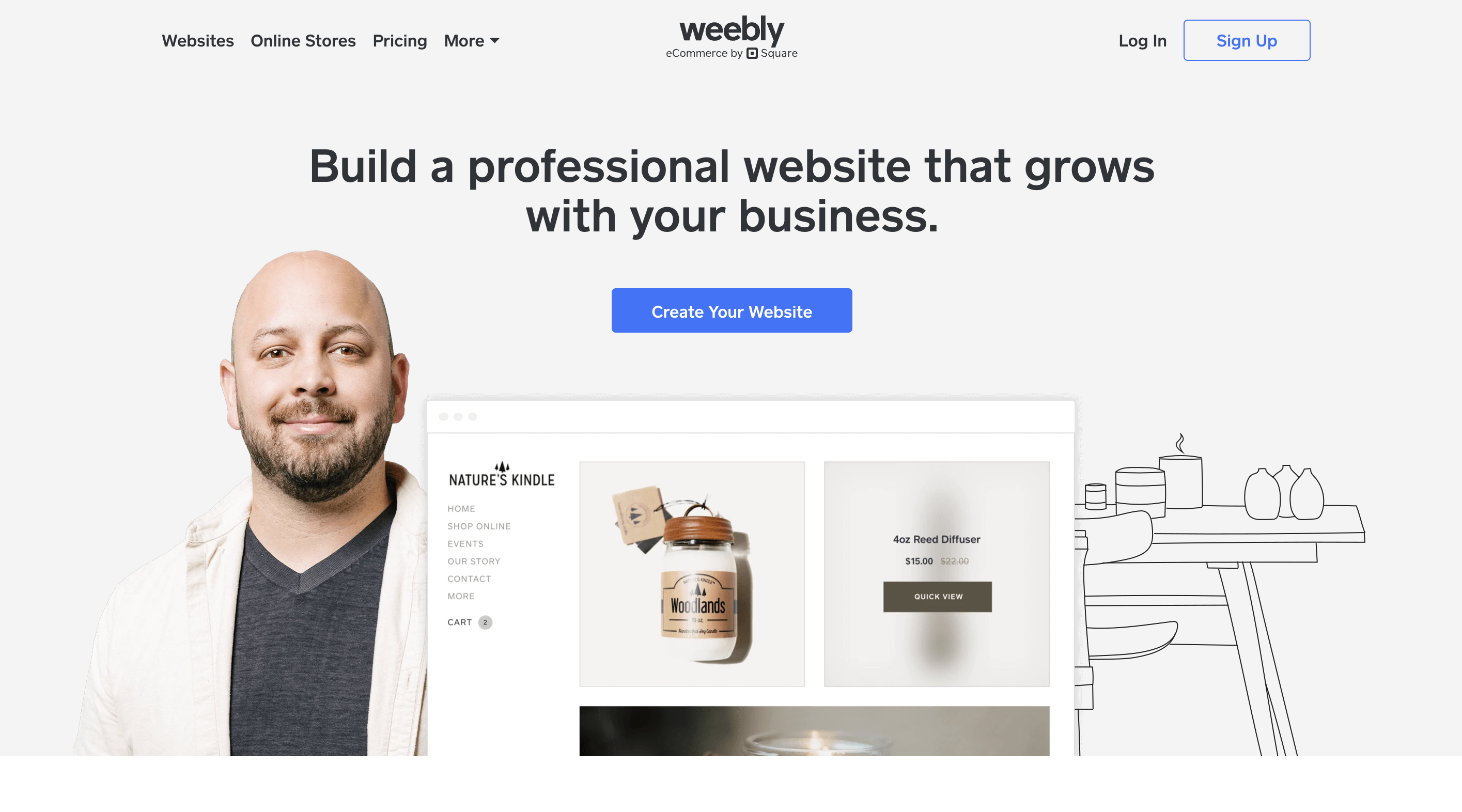
Weebly has powered over 50 million websites since its founding, and its core appeal hasn't changed: it is one of the easiest website builders ever made. The block-based drag-and-drop editor works in structured rows, which means you won't get the pixel-level freedom of Wix, but you also won't accidentally break your layout.
One of Weebly's most distinctive features is free eCommerce on every plan, including the free tier. Designers who sell prints, templates, design assets, or physical goods get a shopping cart, unlimited product listings, inventory management, and automatic tax calculation — at no cost. This is a genuine differentiator that platforms like Wix and Adobe Portfolio don't match on their free plans.
The free plan also includes unlimited pages, unlimited bandwidth, 500MB of storage, free SSL security, and basic SEO tools. Your site lives at a yoursite.weebly.com subdomain with Square/Weebly branding displayed.
Transparency matters, though, and designers should know that Weebly's development has essentially stalled since Square acquired it in 2018. No major features have been added, templates have not been refreshed, and the mobile app was removed in December 2025.
Square has been steering new users toward Square Online, and experts widely describe Weebly as a "legacy product." The roughly 50 available templates look increasingly dated by 2026 standards, and the rigid row-based editor limits how distinctive your portfolio can look.
If you're building a free portfolio website today as a temporary launchpad while you save for a more robust platform, Weebly works. But as a long-term home for a professional design portfolio website, other options on this list offer more room to grow.
Best for: Complete beginners, students, and non-technical creatives who need the fastest, simplest path to a published portfolio — especially if selling design products is part of the plan. The free eCommerce tools are a genuine bonus. Not recommended for designers who want cutting-edge templates, advanced customization, or a platform with an active development roadmap.
How to choose the right free portfolio platform
The best portfolio website for you depends on three things: your technical comfort level, your budget, and where you want to be in a year. Here's a quick framework for deciding.
If you want maximum AI-powered design quality and you're comfortable with Webflow, start with Modulify — its component library and one-click design systems produce results that look like a professional agency built your site. If you want the most flexible free plan with the largest template library and true drag-and-drop freedom, Wix is the clear winner.
If you're already deep in Adobe's ecosystem and want your Behance projects and Lightroom albums to flow seamlessly into a clean portfolio, Adobe Portfolio takes minutes to set up. If you need full WordPress power with AI assistance and premium hosting, 10Web delivers serious capability (though you'll pay after the trial). If you need something live today with zero learning curve and free eCommerce, Weebly still gets the job done.
One approach worth considering: use more than one platform. Many designers maintain a Behance or Dribbble profile for community visibility while running a standalone portfolio website on Wix or Webflow (via Modulify) for a fully branded client-facing experience. No rule says you have to pick just one free online portfolio site.
Your portfolio is your most valuable design asset
A portfolio website isn't just a gallery of past projects — it's a living pitch deck that works for you around the clock. Every platform on this list can get you from zero to published today, whether you're building your first graphic design portfolio website as a student or refreshing your online presence as a seasoned freelancer.
The most important step isn't choosing the perfect platform. It's choosing one and starting. Pick the portfolio builder that matches your skill level and goals, upload your best work, write thoughtful project descriptions, and hit publish. You can always migrate, upgrade, or redesign later — but you can't get hired from a portfolio that doesn't exist yet.


-76d50c8c322d.jpg)